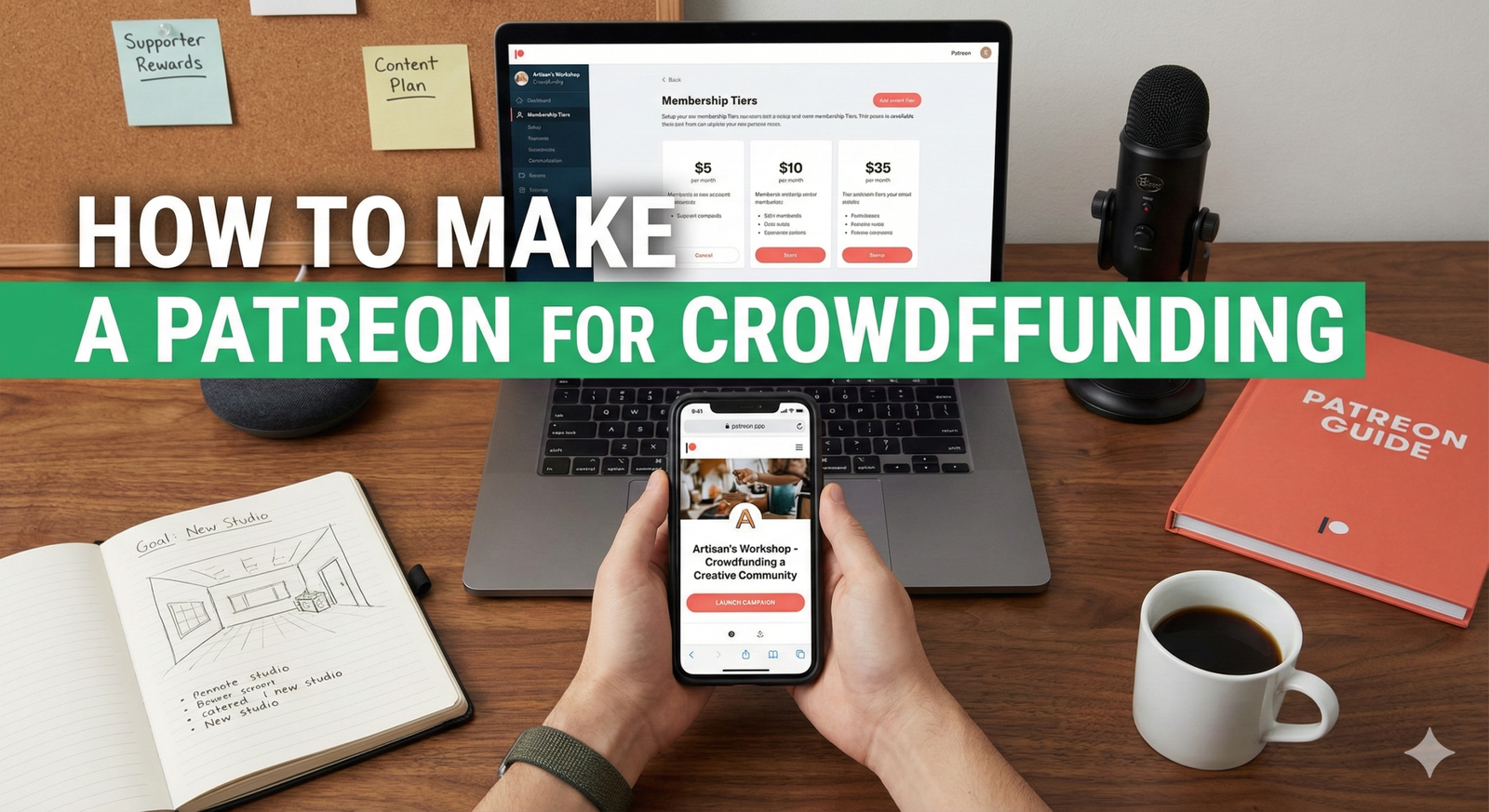
Patreon has become a popular platform for creators of all types – from artists and musicians to podcasters and writers – to receive consistent financial support from their most dedicated fans. If you’re looking to crowdfund your creative endeavors and build a sustainable income, setting up a Patreon account is an excellent way to start.
Here’s a comprehensive guide to help you create your Patreon page and begin your crowdfunding journey:
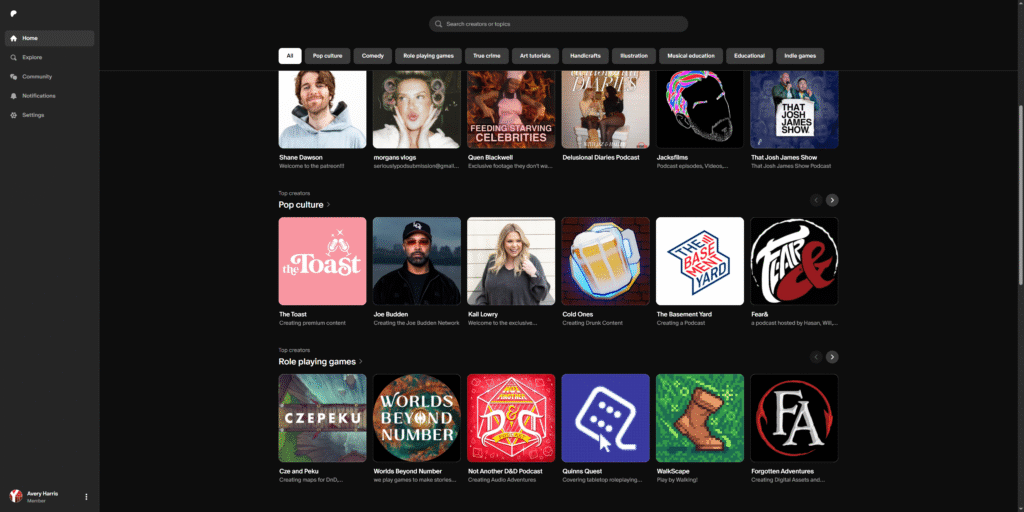
1. Go to Patreon.com and Sign Up
- Visit the Website: Open your web browser and go to www.patreon.com.
- Click “Create on Patreon”: In the upper right-hand corner, you’ll see a button that says “Create on Patreon” or “Get Started.” Click on it to begin the sign-up process.
- Choose Your Sign-Up Method: You can sign up using your Google account, Facebook account, or an email address. Using an email is often preferred for a dedicated creator account.

2. Set Up Your Creator Profile
Once you’ve signed up, you’ll be guided through setting up your creator profile. This is where you introduce yourself and your work to potential patrons.
- Your Creator Name: This is the name your patrons will see. It can be your personal name, your brand name, or your project’s name.
- What are you creating? Briefly describe the type of content you create (e.g., “Podcasts about true crime,” “Digital illustrations,” “Educational YouTube videos”).
- Profile Picture and Cover Image: Choose a clear, professional-looking profile picture and a compelling cover image that represents your brand or content. These are your first visual impressions.
- “About” Section (Your Story): This is crucial. Use this space to tell your story:
- Who are you?
- What do you create?
- Why do you create it?
- What are your goals?
- How will patron support help you achieve those goals? Be honest, passionate, and clear about your vision.
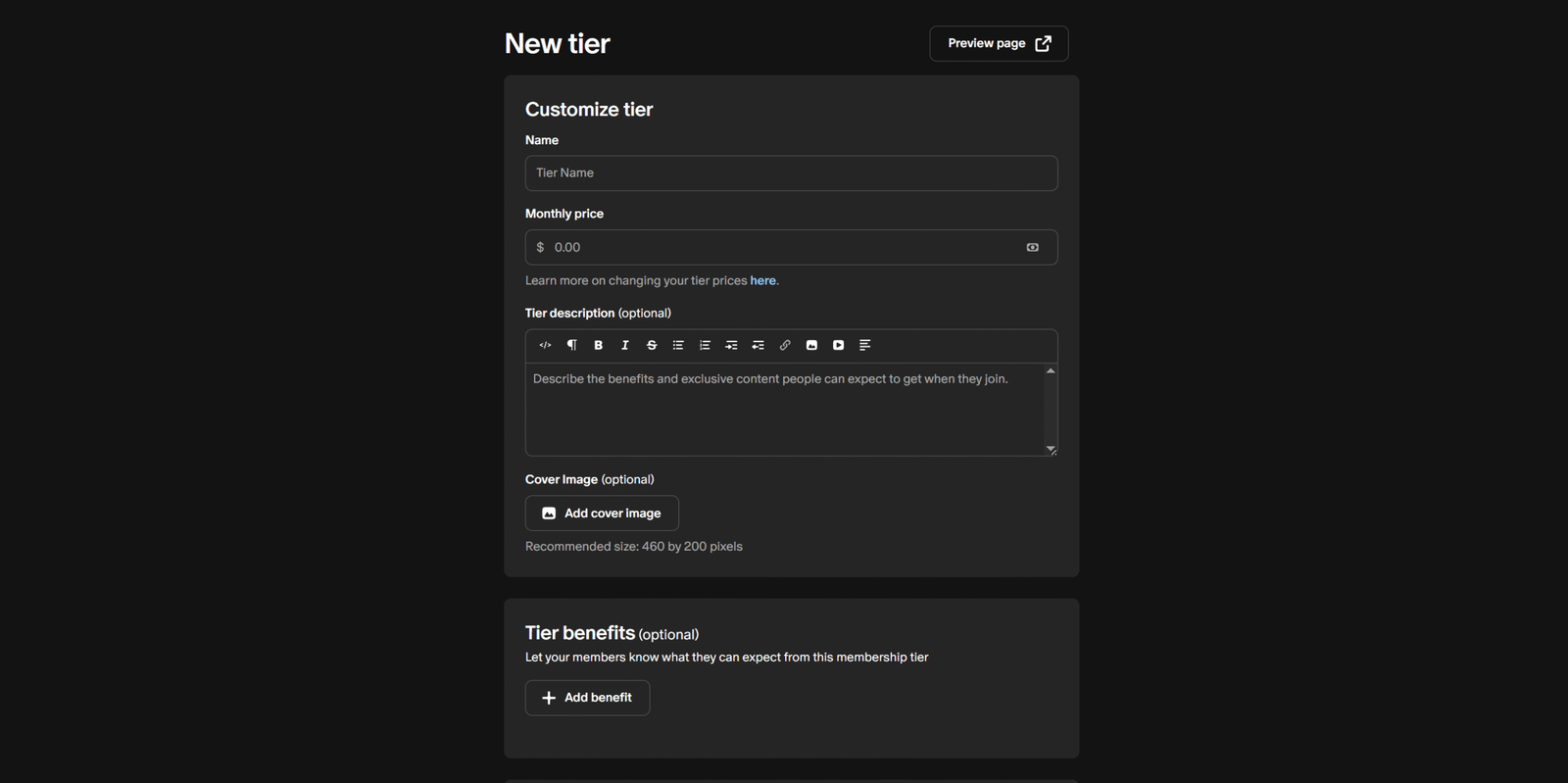
3. Define Your Membership Tiers (Tiers & Benefits)
This is the core of your Patreon crowdfunding. Membership tiers are different levels of support that patrons can choose, each offering unique benefits.
- Start Simple: It’s often recommended to start with 3-5 tiers. Don’t overwhelm yourself or your potential patrons with too many options.
- Pricing:
- Tier 1 (Entry-Level): Start with a low price point (e.g., $1, $3, $5). This makes it accessible for many.
- Mid-Tiers: Offer more substantial benefits for higher price points (e.g., $10, $25).
- High-Tier (Premium): Consider a premium tier for your most dedicated fans who want to offer significant support and receive exclusive benefits (e.g., $50, $100+).
- Benefits (What will patrons get?): Brainstorm valuable benefits that are unique to your content and achievable for you. Examples include:
- Early access to content
- Exclusive content (bonus episodes, behind-the-scenes, drafts)
- Ad-free versions of content
- Shout-outs
- Discord server access
- Exclusive Q&A sessions
- Digital downloads (wallpapers, printable art)
- Name in credits
- Physical merchandise (for higher tiers)
- Voting on future content ideas
- Name Your Tiers: Give your tiers creative and descriptive names (e.g., “The Explorer,” “The Innovator,” “The Visionary”).
- Limit Availability (Optional): For very high-value benefits, you might consider limiting the number of patrons who can join a specific tier.
4. Connect Your Payment Information
To receive payments from your patrons, you’ll need to link a payout method.
- Payout Methods: Patreon typically supports direct deposit to a bank account or PayPal.
- Tax Information: You’ll also need to provide your tax information (W-9 for US creators, or appropriate forms for international creators). This is crucial for tax compliance.
5. Create Your First Post
Before you launch, have some content ready for your patrons.
- Welcome Post: Create a warm welcome post for your new patrons, thanking them for their support and reiterating what they can expect.
- Exclusive Content (Optional but Recommended): If you have any exclusive content for your tiers, start populating it. This gives patrons immediate value when they join.
6. Launch Your Page!
Once you’ve filled out all the necessary information and feel confident with your setup, it’s time to launch!
- Review Everything: Double-check all your tiers, benefits, descriptions, and settings.
- Click “Launch Page”: There will be a prominent button to launch your page.
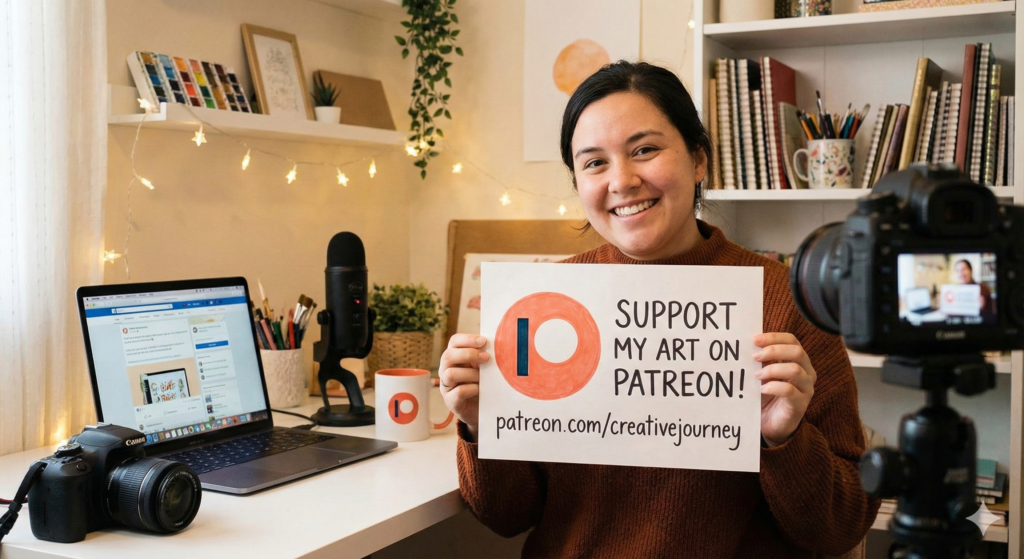
7. Promote Your Patreon
Launching is just the beginning. The real work comes in promoting your Patreon page.
- Share Everywhere:
- Social Media: Regularly share your Patreon link on all your social media platforms (Facebook, Instagram, Twitter, TikTok, YouTube, etc.).
- Website/Blog: Embed a Patreon button or link prominently on your website or blog.
- Email List: If you have an email list, send out an announcement.
- Content Integration: Mention your Patreon directly in your content (e.g., at the beginning or end of your podcast episodes, YouTube videos).
- Explain the Value: Don’t just share a link. Explain why people should become patrons and what they’ll get in return. Highlight the exclusive benefits.
- Show Gratitude: Regularly thank your patrons publicly and privately. Acknowledge their support and show them the impact they’re having.
- Consistency: Consistently create content and engage with your community to retain existing patrons and attract new ones.

Tips for Success on Patreon:
- Be Transparent: Clearly communicate your goals and how patron support helps you achieve them.
- Deliver on Benefits: Ensure you consistently deliver the benefits you promise for each tier.
- Engage with Your Community: Respond to comments, ask for feedback, and make your patrons feel like a valued part of your journey.
- Don’t Be Afraid to Ask: It can feel awkward at first, but remember that people want to support creators they love. Clearly articulate your need and the value you provide.
- Start Small, Grow Big: You don’t need a massive audience to start a Patreon. Even a small number of dedicated patrons can make a significant difference.
By following these steps, you can effectively set up your Patreon account and begin building a sustainable crowdfunding model for your creative work. Good luck!
Follow YT Torials:
Recent Posts
- Creative Fabrica: Pros, Cons, and Everything You Need to Know
 Creative Fabrica is a subscription-based platform offering a vast library of digital assets for creatives, including fonts, graphics, and craft designs. It’s known for its affordability, especially the all-access subscription, which provides unlimited downloads. While it caters to a wide range of design needs, some users have noted an increase in generic AI-generated content on the platform.
 - How to Grow on YouTube Niche-by-Niche Channel Growth StrategyStarting a YouTube channel is simple, but building a sustainable audience takes a clear strategy.… Read more: How to Grow on YouTube Niche-by-Niche Channel Growth Strategy

No responses yet