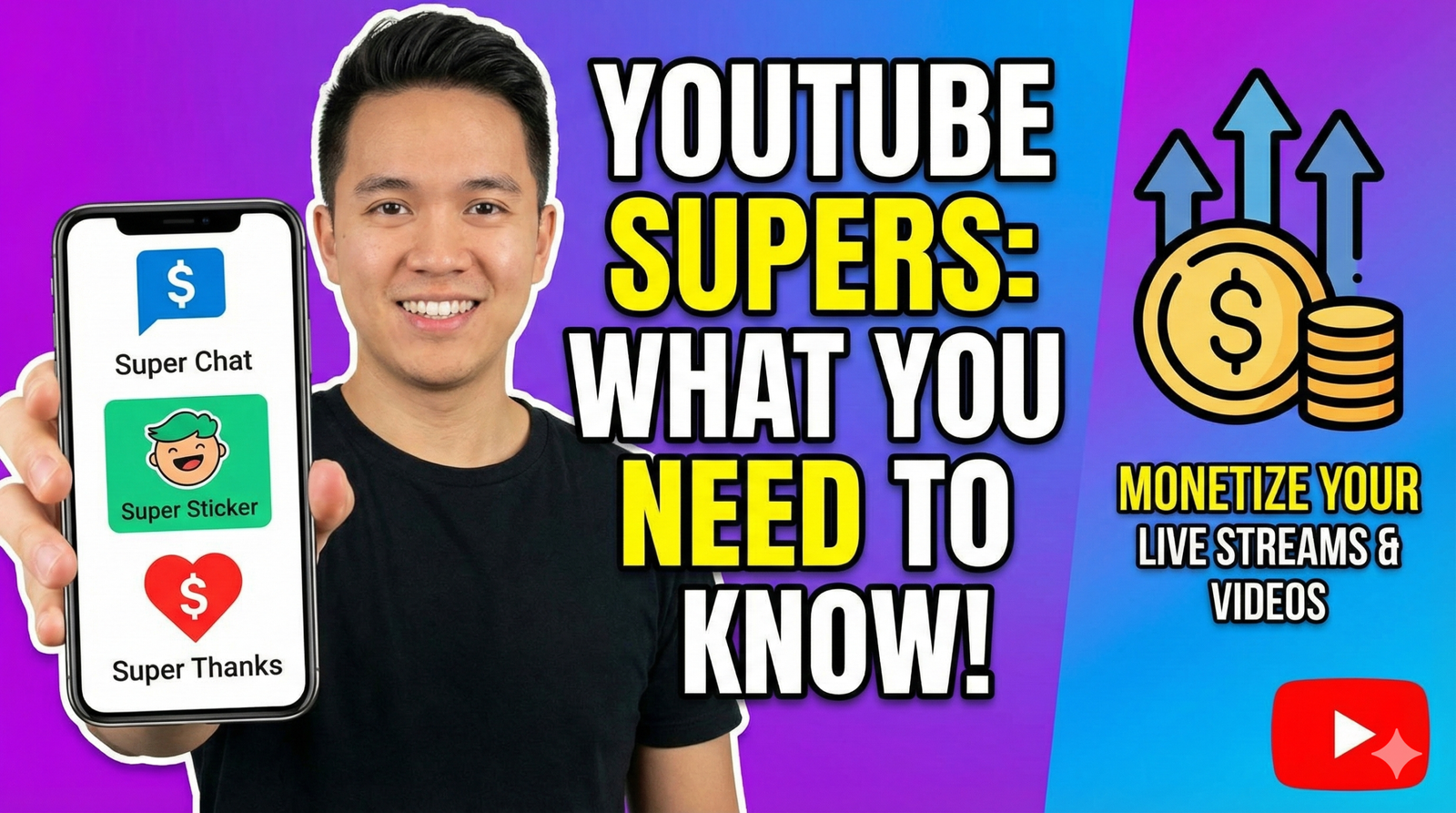
YouTube Supers: The Ultimate Guide to Fan Funding
YouTube offers many ways for creators to make money. One of the best ways is through “Supers.” These features let fans pay creators directly. In exchange, fans get special digital items or their comments get noticed. The three main types are Super Chat, Super Stickers, and Super Thanks.
If you want to earn more money from your channel, you need to understand how these work. This guide will explain each one simply.
What Are YouTube Supers?
“Supers” are a group of features for fan funding. They allow viewers to send money to creators they love. This helps fans feel closer to the creator. It also gives them a way to say “thank you” for great videos.
However, not everyone can use these features yet. To use Supers, you must be in the YouTube Partner Program (YPP). This ensures that only serious creators can access these money-making tools.
Eligibility Requirements
To join the YPP and unlock Supers, you typically need to meet these goals:
- 1,000 Subscribers
- 4,000 public watch hours in the last 12 months OR
- 10 million Shorts views in the last 90 days
Once you are in the program, you can turn these features on in your YouTube Studio. For more details on joining, check out our guide on YouTube Partner Program requirements.

1. Super Chat
Super Chat is a famous feature for live streamers. It changes how the chat looks during a live stream.
What it is
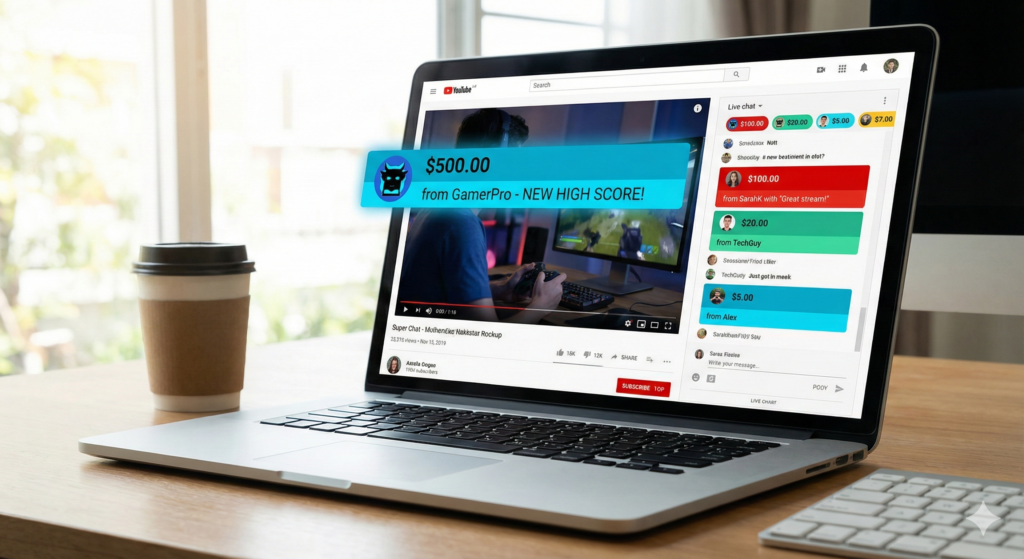
Super Chat lets viewers pay to highlight their messages. These messages stand out because they are colorful. Also, they stay pinned to the top of the chat window for a set time.
How it works
- For Viewers: When watching a live stream, a viewer sees a dollar sign ($) in the chat. They click it and choose an amount to pay. This can be from $1 up to $500. The more they pay, the longer their message stays pinned.
- For Creators: You see the colorful message clearly. This makes it easy to give that fan a shout-out. It encourages other people to donate too.
Why use it?
First, it helps you earn money while you are live. Second, it helps you see messages from your biggest fans. In a fast chat, this is very helpful. If you are new to going live, read our tips for live streaming to get started.
2. Super Stickers
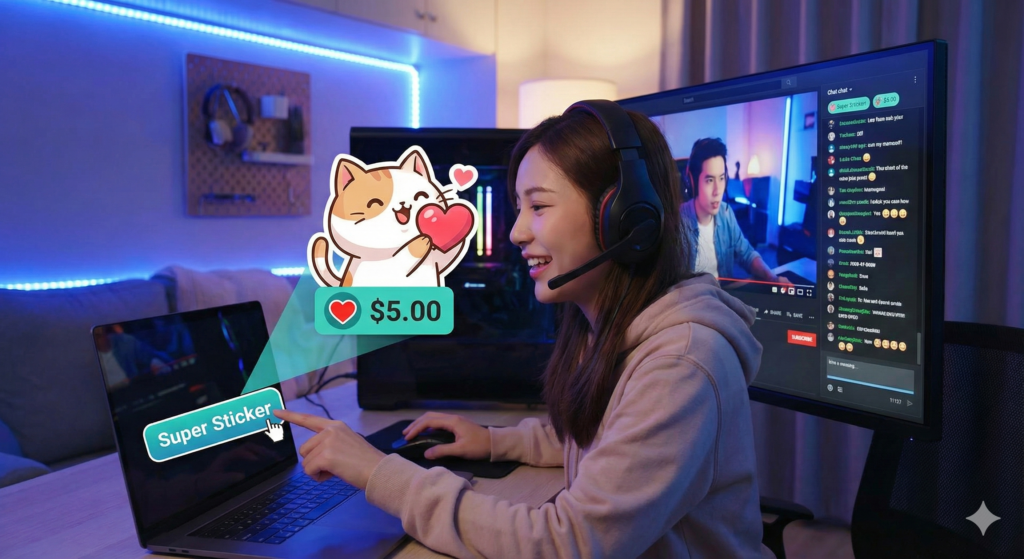
Super Stickers are fun and visual. They are like Super Chat, but they use pictures instead of text.
What it is
Super Stickers are animated images that pop up in the live chat. They are bright, funny, and eye-catching.
How it works
- For Viewers: Fans click the dollar sign and pick “Super Sticker.” They can choose from many cute designs. Some look like cartoons, and others are gaming characters.
- For Creators: You see a big sticker in your chat feed. It adds energy to the stream. Just like Super Chat, you earn money from each sticker sent.
Why use it?
Stickers are great for fans who want to support you but don’t know what to write. They are very popular with younger audiences and gamers. Therefore, they add a fun vibe to your stream.
3. Super Thanks
Super Thanks is different from the first two. It is for uploaded videos, not live streams. This includes your regular long videos and YouTube Shorts.
What it is
Super Thanks lets viewers show gratitude for a video they watched. They buy a one-time animation that claps specifically for them on the screen.
How it works
- For Viewers: Below a video, there is a “Thanks” button. It looks like a heart with a dollar sign. A viewer clicks it and picks a price, like $2 or $50. Then, their comment gets a colorful background in the comment section.
- For Creators: You get a notification that someone sent a Super Thanks. You can see their highlighted comment easily. This lets you reply and thank them personally.
Why use it?
This feature is powerful because it works on old videos. You can earn money from a video you posted months ago. It turns your library of content into a steady income source.

How Much Money Do You Keep?
It is important to know the revenue split. YouTube takes a cut of the money to cover their costs.
- The Split: YouTube takes 30% of the earnings. You keep 70%.
- Fees: Taxes and app store fees are taken out before the split. For example, if someone pays on an iPhone, Apple takes a fee first.
According to Google Support, transaction costs are currently covered by YouTube, which helps you keep more of your share. You can read more about the policies on the official Google Support page.
Additionally, news outlets like TubeBuddy often report on updates to these fees. Staying informed is key to managing your business. You can find their latest updates on the TubeBuddy blog.
Why Are Supers Important?
Supers are vital for a healthy channel. They help you diversify your income. You should not rely only on ad revenue. Ads can be unpredictable. However, fan funding is often more consistent.
Furthermore, Supers build a community. When you shout out a fan who sent a Super Chat, they feel special. They become loyal supporters. This connection is worth more than just the money. It builds a fanbase that will stick with you for years.
Conclusion
YouTube Supers are excellent tools for creators. Whether you use Super Chat for live streams or Super Thanks for regular videos, they help you earn more. Remember, the key is to acknowledge your fans. Say thank you when they support you. This encourages them to do it again.
If you want to master YouTube, you need the right strategies. Subscribe to the YT Torials newsletter for weekly tips. Also, make sure to subscribe to the YT Torials YouTube page so you never miss a video guide!ues to build a robust creator economy, empowering creators to build sustainable businesses while fostering stronger, more interactive communities on the platform.
Follow YT Torials:
Recent Posts
- How to Change Your YouTube Name and Handle in 2026 (Full Guide)
 Updating your YouTube name and handle is simple! Our 2026 guide covers the exact steps for mobile and desktop, plus a critical warning about losing your verification badge during a rebrand.
 - How to Transfer Your YouTube Channel to Another Google Account: The Ultimate 2026 Guide
 Moving your YouTube channel to a new email? Our ultimate guide walks you through the 7-day transfer process, Brand Account setup, and ownership roles to keep your subscribers safe.

No responses yet