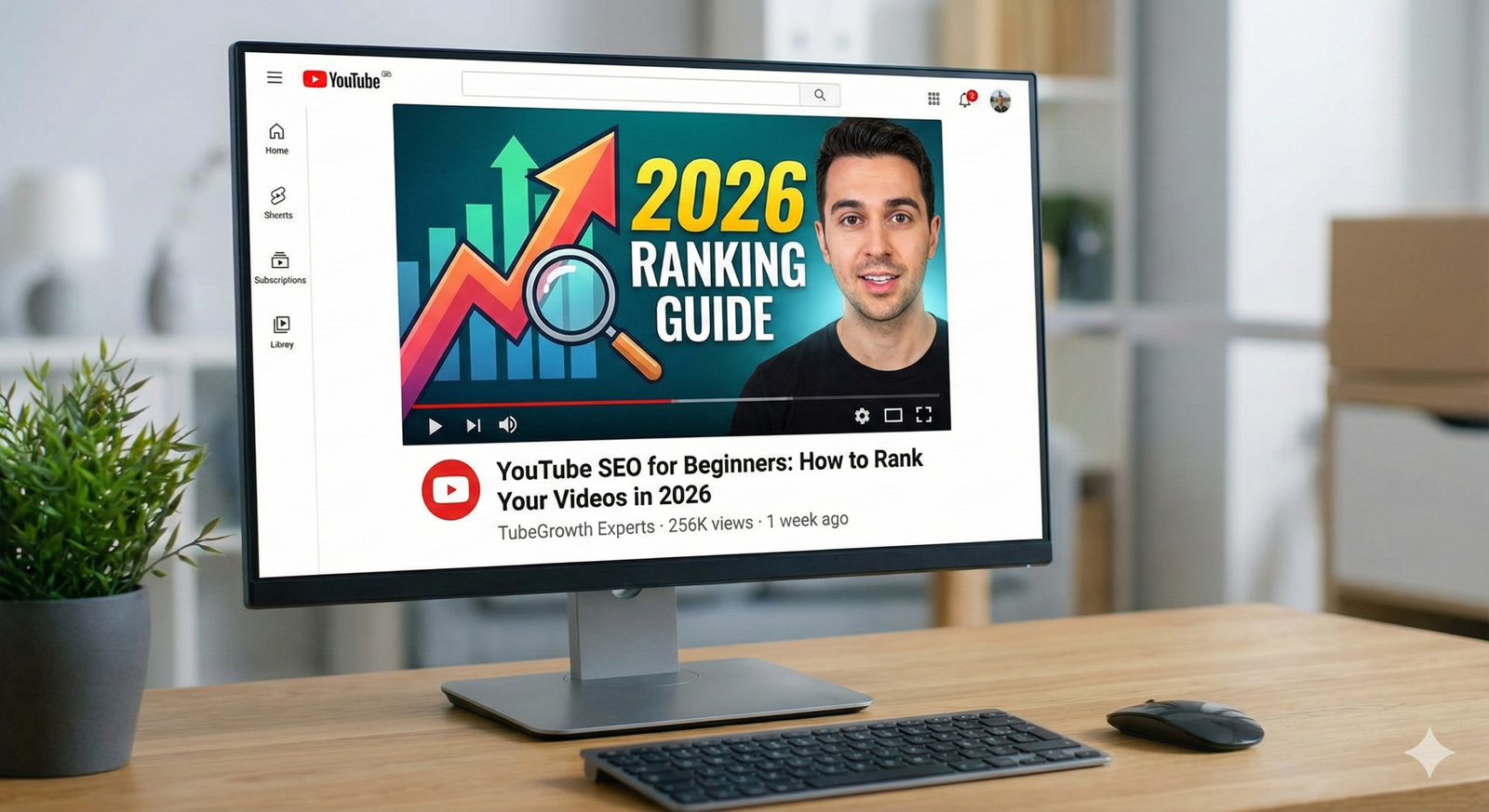
If you are uploading videos but nobody is watching them, you might feel frustrated. You spend hours filming and editing, but the views just don’t show up. Don’t worry; you are not alone. The problem usually isn’t your video content—it’s how you are sharing it. This is where YouTube SEO comes in to save the day.
YouTube is a massive library with billions of videos. To get found, you need to tell the “librarian” (the YouTube algorithm) exactly what your video is about and who should watch it. This guide will walk you through everything you need to know to get your videos ranking high in search results.
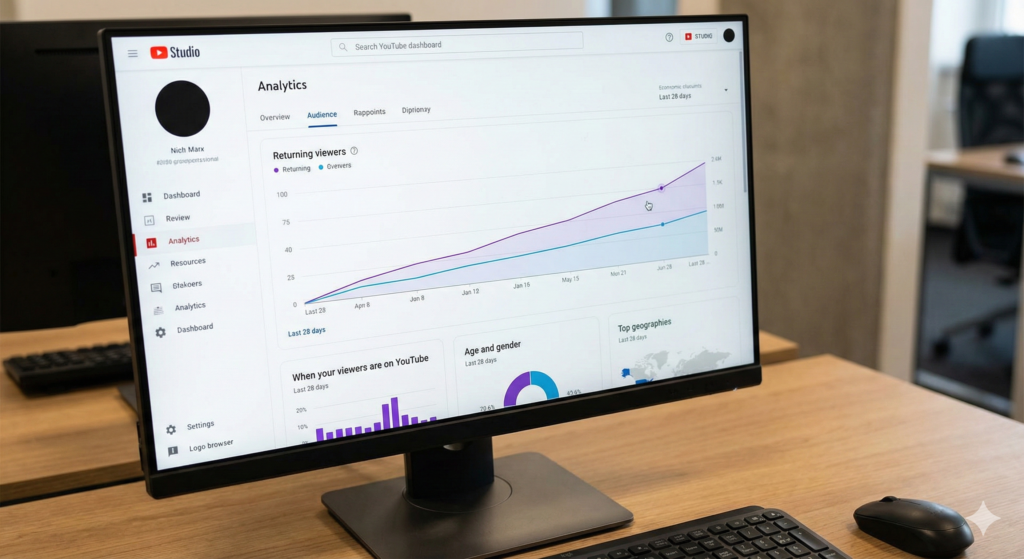
What is YouTube SEO?
SEO stands for Search Engine Optimization. Just like you use keywords to get a website to show up on Google, you use YouTube SEO to get your videos to show up when people search on YouTube.
Many people forget that YouTube is actually the second largest search engine in the world, right behind Google. Millions of people type questions into that search bar every single day. They are looking for answers, entertainment, and tutorials.
When you optimize your video, you are doing two things:
- Helping YouTube understand your video: You use text and data to tell the algorithm what your content is.
- Helping viewers find you: You make it easy for people looking for your topic to click on your video.
If you do this right, your channel can grow much faster without you needing to share your links on every social media site manually.
Step 1: Finding the Right Keywords
Before you even pick up your camera, you need to know what people are searching for. If you make a video about a topic nobody searches for, it will be very hard to get organic views. This process is called keyword research.
Using YouTube Autocomplete
The easiest way to find great keywords is to use YouTube itself.
- Go to the search bar at the top of YouTube.
- Start typing a word related to your niche (e.g., “baking”).
- Look at the list of suggestions that pop down.
These suggestions are not random. They are real phrases that real people use. If you see “baking cookies for beginners” appear, that is a great keyword phrase to target because you know people are actively searching for it.
Checking Your Competition
Once you have an idea, search for it and look at the top 3 videos.
- What words do they use in their titles?
- How long are their videos?
- What does their thumbnail look like?
You are not going to copy them, but you want to see what is already working. If the top results are all 10-minute tutorials, a 30-second video might not rank as well for that specific search term.
Step 2: Optimizing Your Video Title
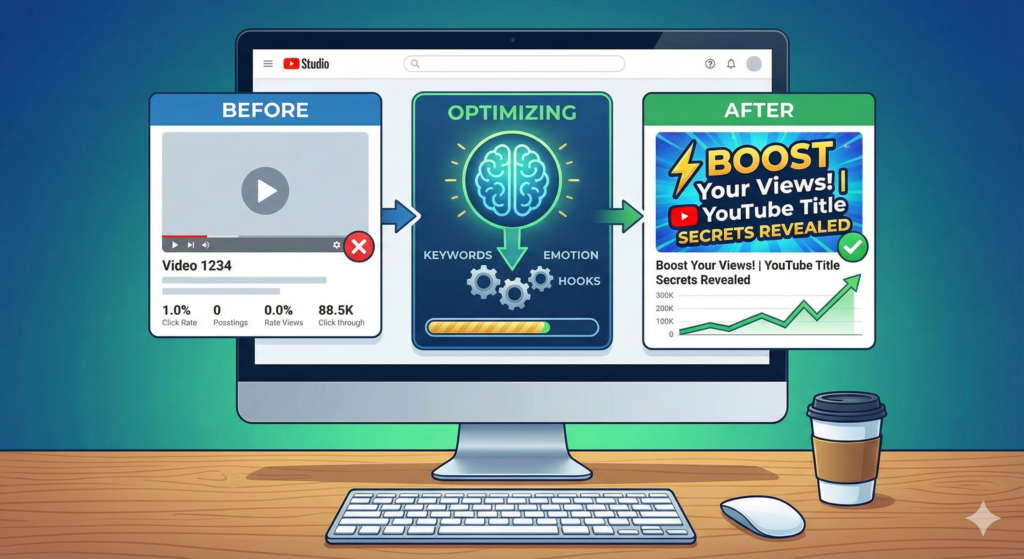
Your video title is the most critical piece of text for SEO. It is the first thing both the viewer and the algorithm see.
Put Your Keyword First
Try to put your main keyword near the beginning of your title. This is known as “front-loading.”
- Weak Title: My day at the beach and how to surf
- Strong Title: How to Surf for Beginners: 5 Easy Steps
The strong title tells the viewer exactly what they will learn instantly. It creates a clear promise of value.
Keep It Clickable, Not Clickbait
There is a difference between a catchy title and a lie. If your title says “How to Make $1 Million in 1 Hour,” but the video doesn’t teach that, viewers will click away immediately. This hurts your ranking. Instead, use “power words” like Best, Easy, Fast, or Guide to make your title exciting but honest.
Step 3: Writing a Great Description
The description box is often ignored by beginners, but it is prime real estate for SEO. YouTube allows you to write up to 5,000 characters here. You should use them wisely!
The First Two Lines Matter Most
When a video shows up in search results, only the first two lines of the description are visible. You must hook the reader here. Restate your main keyword and explain why they should watch.
For example:
“In this video, you will learn how to surf for beginners using 5 simple steps. Master the basics of paddling and standing up on your board today!”
Structuring the Rest
After the introduction, you can go into more detail.
- Summary: Write a paragraph describing what happens in the video.
- Timestamps: If your video is long, add timestamps (e.g., 02:30 – How to stand up). Google often uses these to show “chapters” in search results, which is a huge SEO boost.
- Links: Add links to your website or social media.
For more detailed advice on building your audience, check out our guide on channel growth strategies.
Step 4: Tags and Categories
Years ago, tags were very important. Today, they are less critical, but they still help. YouTube uses tags to help understand the context of your video if your content is commonly misspelled.
- Primary Tag: Your main keyword.
- Secondary Tags: Variations of your keyword (e.g., “surfing tutorial,” “learn to surf”).
- Broad Tags: The general topic (e.g., “Sports,” “Surfing”).
Don’t spend hours on tags. Spend a few minutes adding relevant ones, and then move on to more important tasks.
Step 5: The Power of Thumbnails
Technically, a thumbnail is an image, not text. However, it is the single most important factor for your Click-Through Rate (CTR).
CTR is the percentage of people who see your video on their screen and actually click on it. If your SEO is perfect but your thumbnail is boring, nobody clicks. If nobody clicks, YouTube thinks your video is bad and stops showing it.
Elements of a High-SEO Thumbnail:
- High Contrast: Use bright colors that stand out against YouTube’s white or dark background.
- Readable Text: Use large, bold text. limit it to 3-4 words max. Don’t just repeat the title.
- Emotion: detailed faces showing emotion (happiness, surprise, focus) tend to get more clicks.
If you are new to creating visuals, you might want to read our article on editing your videos which also covers basic graphic tips.
Step 6: Engagement is King
You can have the best keywords in the world, but if your video is boring, it won’t rank. YouTube’s main goal is to keep people on YouTube. They reward videos that keep viewers watching.
Watch Time and Retention
Watch time is the total amount of time people spend watching your video. Audience retention is the percentage of the video they watch.
If you upload a 10-minute video and everyone turns it off after 30 seconds, YouTube assumes the video is irrelevant or low quality. To fix this:
- Get to the point: Avoid long, rambling intros. Start the video by telling the viewer exactly what they will get.
- Use Pattern Interrupts: Change the camera angle, show an image, or use text on the screen every few minutes to keep the viewer’s eyes active.
Likes and Comments
Interaction signals to YouTube that your video creates conversation.
- Ask Questions: Don’t just say “comment below.” Ask a specific question like, “Do you prefer longboards or shortboards? Let me know in the comments!”
- Reply to Comments: especially in the first 24 hours. This doubles the comment count and encourages community.
According to industry experts at Backlinko, user engagement signals like comments and likes have a strong correlation with higher rankings.
Step 7: File Naming and Accessibility
There are a few “hidden” SEO tricks that happen before you even upload.
Rename Your File
Before you upload your video file (which might be named MOV_1234.mp4), rename it to include your keyword, like how-to-surf-beginners.mp4. It is a small detail, but it helps the algorithm read your file.
Add Closed Captions (Subtitles)
YouTube automatically generates captions, but they are often full of errors. Uploading your own accurate subtitles (SRT file) or editing the auto-generated ones is a huge SEO advantage.
- Accessibility: It allows deaf or hard-of-hearing viewers to enjoy your content.
- Crawling: Search engines can “read” your video script through the captions. This gives them even more data to rank your video for specific terms mentioned in your audio.
Step 8: Promoting Your Video
SEO is a long-term game. It can take weeks or months for a video to rank #1. To give it a push start, you need to promote it immediately after publishing.
- Email List: Send it to your subscribers.
- Social Media: Share it on Twitter, Facebook, or Instagram.
- Blog Posts: Embed the video on your website.
According to Sprout Social, promoting your video across different channels within the first 48 hours sends positive velocity signals to YouTube, helping it rank faster.
Conclusion
YouTube SEO might seem complicated at first with all the talk of algorithms and metadata. However, it really boils down to being helpful. You are simply labeling your content clearly so that the people who need it can find it.
Start by doing your keyword research so you know what your audience wants. Then, create a catchy title and a bright thumbnail to earn their click. Finally, deliver great content that keeps them watching. If you follow these steps consistently, you will see your channel grow.
Ready to take your YouTube channel to the next level? Subscribe to the YT Torials newsletter today for weekly tips, tricks, and strategies delivered straight to your inbox!
Popular Posts
Follow YT Torials:

No responses yet