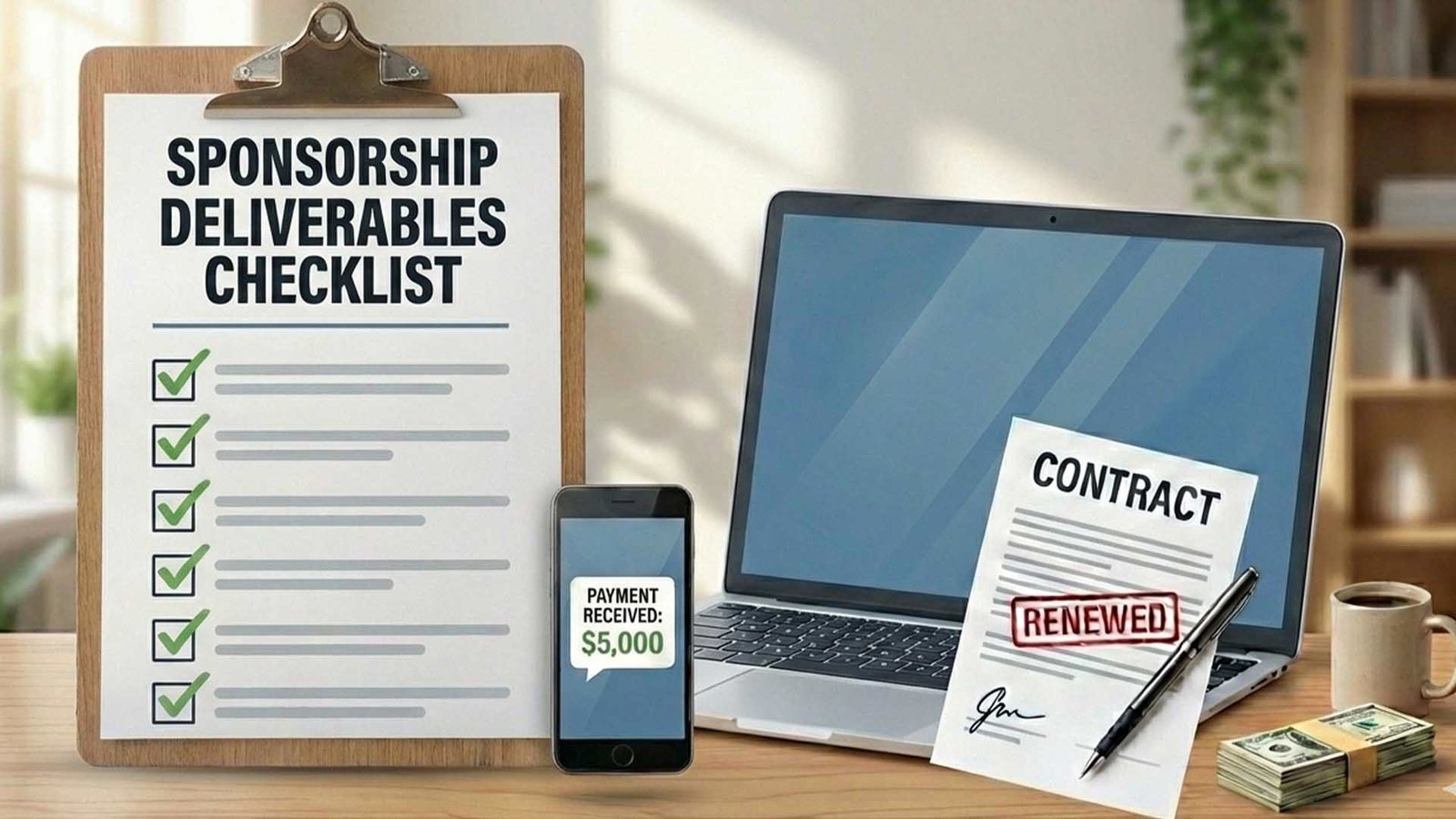
You signed the contract. Congratulations! However, the hard work is just starting. Signing the deal is only 50% of the job; the other 50% is executing the campaign flawlessly.
Many creators make great videos but are terrible at communication. Consequently, brands hesitate to work with them a second time. If you want to build long-term relationships, you need to treat this like a professional agency.
Therefore, we have created the Sponsorship Deliverables Checklist. Follow these steps to ensure you get paid on time and keep the sponsor happy.
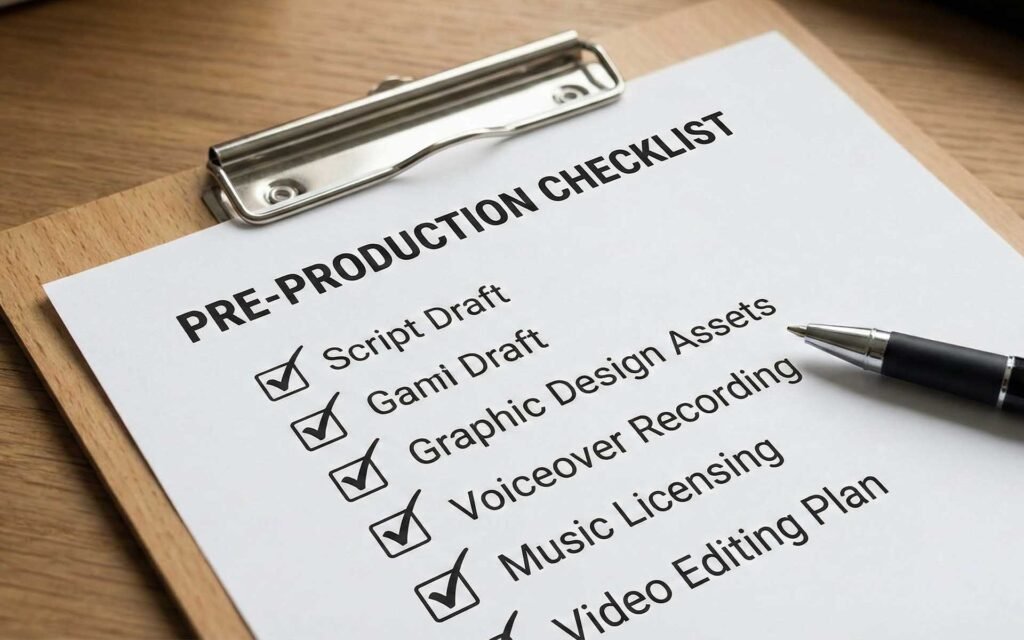
Phase 1: Pre-Production (The Setup)
Before you pick up the camera, you need to gather your materials. If you start filming without the right assets, you might have to reshoot everything later. That is a waste of time.
Immediately after signing the contract, send a “Kickoff Email” asking for these four essentials:
- High-Resolution Assets: Do not grab a blurry logo from Google Images. Ask for their “Brand Asset Folder,” which usually includes transparent PNG logos and specific fonts.
- The “Do’s and Don’ts”: Ask if there are specific words you cannot say. For example, some tech brands forbid saying “cheap” and prefer “affordable.”
- Talking Points: What specific features is the brand pushing this month? A feature they loved last year might be obsolete now.
- Tracking Links: Never use a generic homepag
Phase 2: Production & Review
Once you have the assets, it is time to film. However, do not just read the script like a robot. To convert viewers, you need to integrate the ad naturally.
The “Sandwich Method”
The best integrations feel like part of the content. Use the “Sandwich Method”:
- The Bread (Value): Start with a hook related to your video topic.
- The Meat (The Ad): Transition into how the sponsor solves the problem you just mentioned.
- The Bread (Value): Transition back to the video seamlessly.
The Draft Review Process
Most contracts require a “Draft Review” before you publish. This protects you from legal trouble.
Upload your video to YouTube as “Unlisted.” According to Google Support, unlisted videos can only be seen by people who have the link, making them perfect for private reviews.
The Draft Email Template
“Hi Team,
The draft for the [Month] campaign is ready for review! You can watch it here: [Unlisted Link].
Please let me know if there are any factual edits required. If I don’t hear back by [Date], I will proceed with the scheduled upload.”
Phase 3: The Launch Day
As soon as the video goes live, the clock starts ticking. The first 24 hours are critical for the algorithm and for the sponsor’s results. Brands love it when creators are proactive, so do not just hit “publish” and walk away.
Here is exactly what you need to do in the first hour to impress your sponsor.
1. The “Link Audit”
Broken links cost creators millions of dollars a year. Even if the link worked yesterday, you must check it again the second the video is public.
- Test on Mobile: 70% of YouTube views come from phones. Click the link in your description using your smartphone to ensure the landing page loads correctly.
- Check the UTM: Ensure the specific tracking code (the gibberish at the end of the URL) is still attached. If this falls off, the brand won’t know you sent the traffic, and you won’t get credit for the sales.
2. The Pinned Comment Strategy
The comments section is the most valuable real estate on your channel. Many viewers scroll down to read comments while the video is playing.
Write a comment that highlights the sponsor and pin it to the top. This acts as a “second ad read” that stays visible forever.
Copy this Pinned Comment Template:
“Huge thanks to [Brand Name] for sponsoring this video! If you want to try [Product] and support the channel, check out the link here: [Insert Link] 👇”
3. The “Distribution Blitz”
Do not rely on YouTube notifications alone. You need to drive external traffic to the video to kickstart the algorithm.
- YouTube Community Tab: This is your most powerful tool. Do not just post the link. Create a poll related to the video topic or post a “Behind the Scenes” photo to make people curious.
- Twitter/X: Tag the brand in your tweet. They will often retweet it to their own followers, giving you free exposure.
- Instagram Stories: Post a clip of the video and use the “Link Sticker” to drive traffic directly to the YouTube video.
4. Engage for Velocity
For the first 60 minutes, reply to as many comments as possible.
Why: When a brand visits your video and sees you interacting with your community, it signals that you have a loyal, active audience. Plus, high engagement signals to the YouTube algorithm that the video is worth promoting to more people.
Phase 4: Getting Paid (The Paperwork)
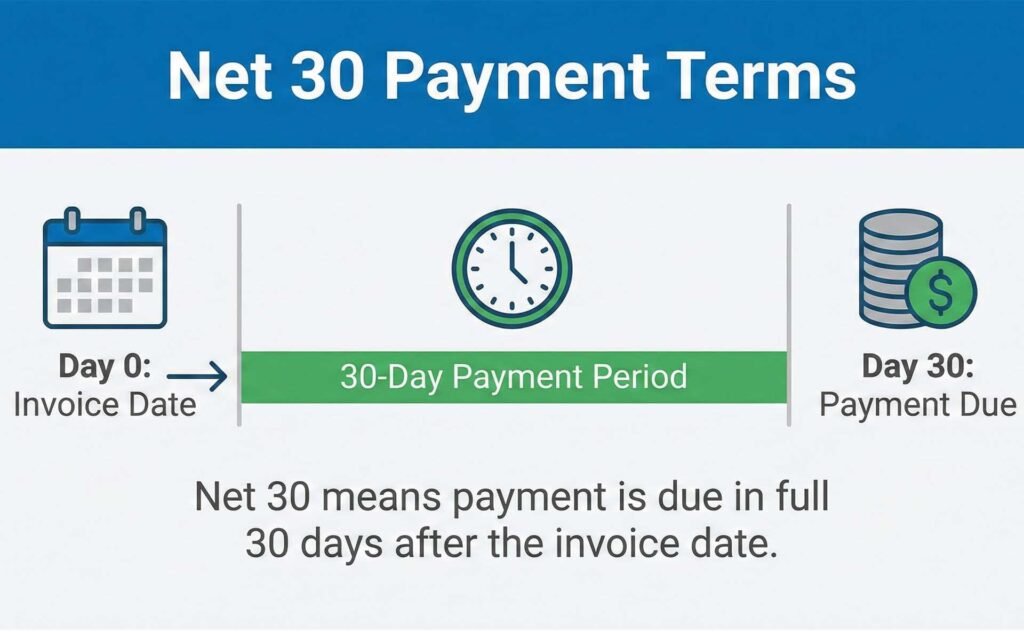
This is the most important part. Brands will not pay you automatically; you must send an invoice.
Typically, brands pay on “Net 30” terms. Investopedia explains that this means payment is due 30 days after the invoice date. Therefore, send your invoice the same day the video goes live.
The Invoice Anatomy
To ensure your invoice doesn’t get rejected by their accounting department, it must include:
- Your Legal Name/Company Name.
- The Invoice Number: (e.g., INV-001). Never send an invoice without a number.
- The Date: Today’s date.
- The Service: “YouTube Integration for [Brand Name] – [Video Title].”
- Bank Details: ACH Routing Number and Account Number (or PayPal address).
- Tax Forms: If you are in the US, attach a W-9 form. If you are international, attach a W-8BEN.
To make this easy, use our professional invoice template.
Phase 5: The “Re-Hire” Report
FFinally, if you want to turn a one-time deal into a year-long contract, you must send a Post-Campaign Report. Most creators take the money and ghost the brand. By sending a report, you stand out as a professional.
Wait 7 days after the video goes live. Then, take screenshots of your analytics and send a short PDF summary.
Include these three metrics:
- Total Views (First 7 Days): Shows your reach.
- Click-Through Rate (CTR): Shows how compelling your ad read was.
- Audience Sentiment: Take screenshots of 3-5 comments where viewers say things like, “I actually needed this product” or “Thanks for the discount code.” This proves your audience trusts you.
The Upsell: End the report by saying, “The audience really responded well to this. I have a great idea for a follow-up video in Q2. Are you open to discussing a longer-term partnership?”
Conclusion
Sponsorships are a cycle, not a one-time event. While delivering a great video ensures you get paid today, mastering the entire process ensures you build a career for years to come.
If you landed on this article first, you might be missing the strategies that help you get the deal in the first place. Don’t leave money on the table. Make sure to read the rest of our Sponsorship Masterclass Series to fix your workflow from the very beginning:
- Step 1: Struggling to get replies? Read The Volume Pitch Strategy.
- Step 2: Accepted the first offer? Read The Negotiation Cheat Sheet.
- Step 3: Confused by legal jargon? Read The Contract Review Checklist.
By combining these four guides, you move from being a “YouTuber” to a “Media Business.”
For more deep dives into monetization and channel growth, make sure to subscribe to the YT Torials newsletter. Additionally, head over and subscribe to the YT Torials YouTube page for weekly video guides on mastering the algorithm.
Follow YT Torials:

No responses yet