
So, you know YouTube playlists are good for your channel. But how do you make them really good? It’s not just about tossing videos together. Smart playlists can seriously boost your channel and keep people watching.
Here are 3 easy tips to create YouTube playlists that get results:
1. Stick to One Clear Idea
Lots of creators just dump random videos into a playlist. Don’t do that! The best playlists are all about one main topic or idea. Think of it like organizing books in a library – each shelf has a specific theme.
Why this helps:
- Easier to Find: YouTube’s system understands clear themes. This means your playlist is more likely to show up in searches and suggestions.
- Better for Viewers: People know exactly what they’re getting. They can quickly find the videos they’re looking for.
- More Watch Time: If a playlist has a clear topic, viewers will watch more videos because they’re all about what they’re interested in.
How to do it:
- Pick Your Focus: Before you start, ask: “What problem does this playlist solve?” “What skill does it teach?” “What story does it tell?”
- Clear Title: Make your playlist title descriptive. Use words people would search for. Instead of “My Vlogs,” try “Daily Fitness Journey: My Weight Loss Vlogs.”
- Short Description: Write a quick description using keywords. Explain what the playlist is about and what viewers will learn.
- Only Related Videos: Make sure every video in the playlist fits the main theme. If a video doesn’t belong, leave it out.
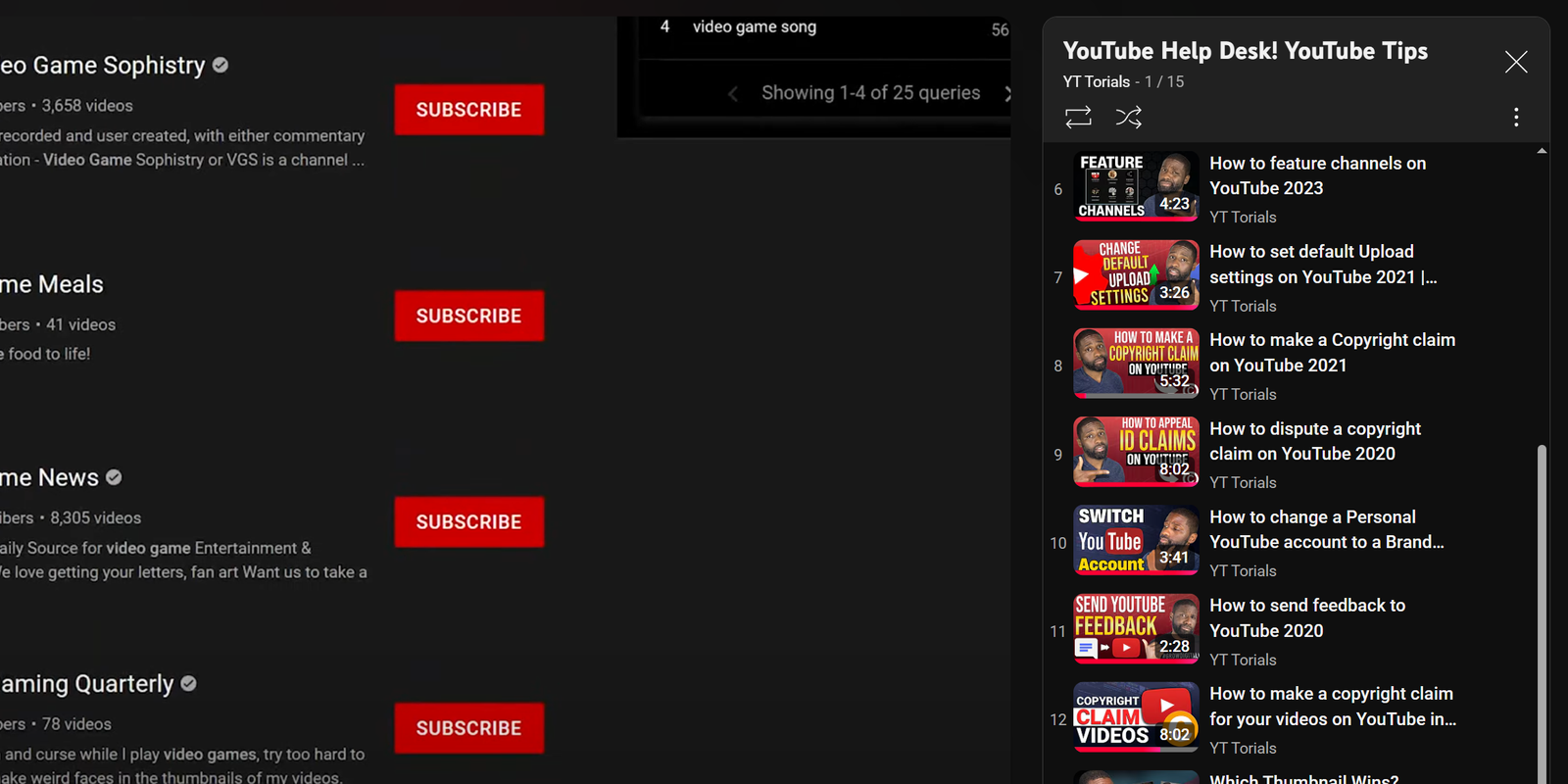
2. Arrange Your Videos Smartly
A logical flow keeps viewers interested and reduces the chance of them leaving your channel. Furthermore, for how-to guides or educational series, putting videos in the right order helps viewers learn step-by-step. Because they can follow the story easily, they are more likely to watch every single video in the set.
Additionally, you can use the beginning of your playlist to show off your best work. By putting your strongest videos first, you grab attention immediately. This is vital because YouTube’s algorithm rewards “session time,” which is the total time someone stays on the platform after clicking your video. Specifically, a well-ordered playlist acts like a “binge-watch” trigger.
Professional Tips for Ordering Your Videos
1. The “Hook” Strategy
Put your most engaging and popular video at the very top. This video acts as a hook. Consequently, once the viewer is invested in your style, they are much more likely to continue to the second and third videos. You should also look at your YouTube playlist SEO guide to ensure your titles match this high-energy start.
2. Use the “Series” Setting
YouTube allows you to mark a playlist as an “Official Series.” Therefore, when a viewer watches one video from the list, YouTube will automatically recommend the next video in that specific playlist as the “Up Next” choice. This is a powerful way to increase audience retention across your entire channel.
3. Arrange by Difficulty or Timeline
For tutorials, you should always arrange videos by difficulty level. Start with the basics and move toward advanced topics. However, if you are a vlogger, a chronological (date-based) order usually makes the most sense. This allows the viewer to experience your journey in the order it actually happened.
4. Monitor Your Analytics
Take a look at your playlist analytics in YouTube Studio. Specifically, check the “exit rate” for each video. If you notice a lot of people leaving after the third video, you might need to swap it with something more exciting. For more details on how YouTube tracks this, check out the YouTube Official Help Center.
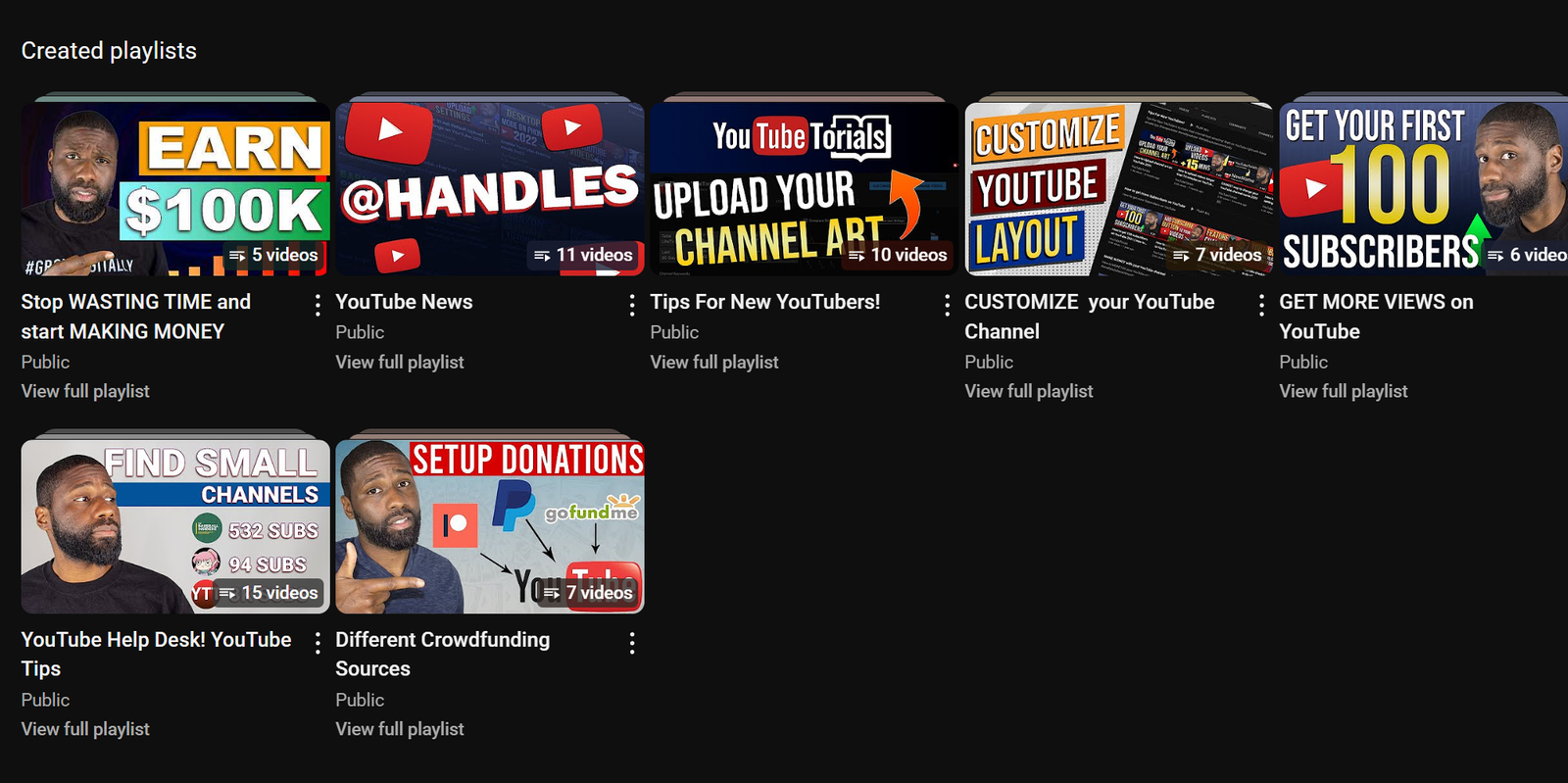
3. Share Your YouTube Playlists Everywhere!
A fantastic playlist doesn’t help if no one sees it. Once your playlist is perfect, you need to share it far and wide.
Why this helps:
- More Eyes on Your Content: More people seeing your playlist means more potential watch time and channel growth.
- Keeps Them on Your Channel: Sending people to a playlist makes them stay on your channel longer than sending them to just one video.
- Helps YouTube Understand: When more people click and watch your playlists, YouTube learns that your content is valuable.
How to do it:
- Make it Public: Double-check that your playlist is set to “Public.”
- Feature on Your Channel: Put your best playlists right on your YouTube channel’s homepage.
- Use End Screens & Cards: In your individual videos, use YouTube’s End Screens and Cards to link directly to relevant playlists.
- Share on Social Media: Post your playlists on Twitter, Instagram (in your bio/stories), Facebook, and anywhere else you connect with your audience.
- Embed on Your Website/Blog: If you have a website or blog, put your playlists right into relevant articles or pages.
- Talk About Them: In your videos, tell viewers to “check out the full series in the playlist linked below.”
By following these three simple tips – picking a clear theme, ordering your videos well, and sharing them everywhere – you’ll turn your YouTube playlists into powerful tools. They’ll boost engagement, watch time, and help your whole channel grow. Start organizing and sharing your playlists today! Not conviced you need playllsts yet? Here are 6 reasons why you should create them for your channel!
Popular Posts
Follow YT Torials:
Sign up to the YT Torials Newsletter

No responses yet