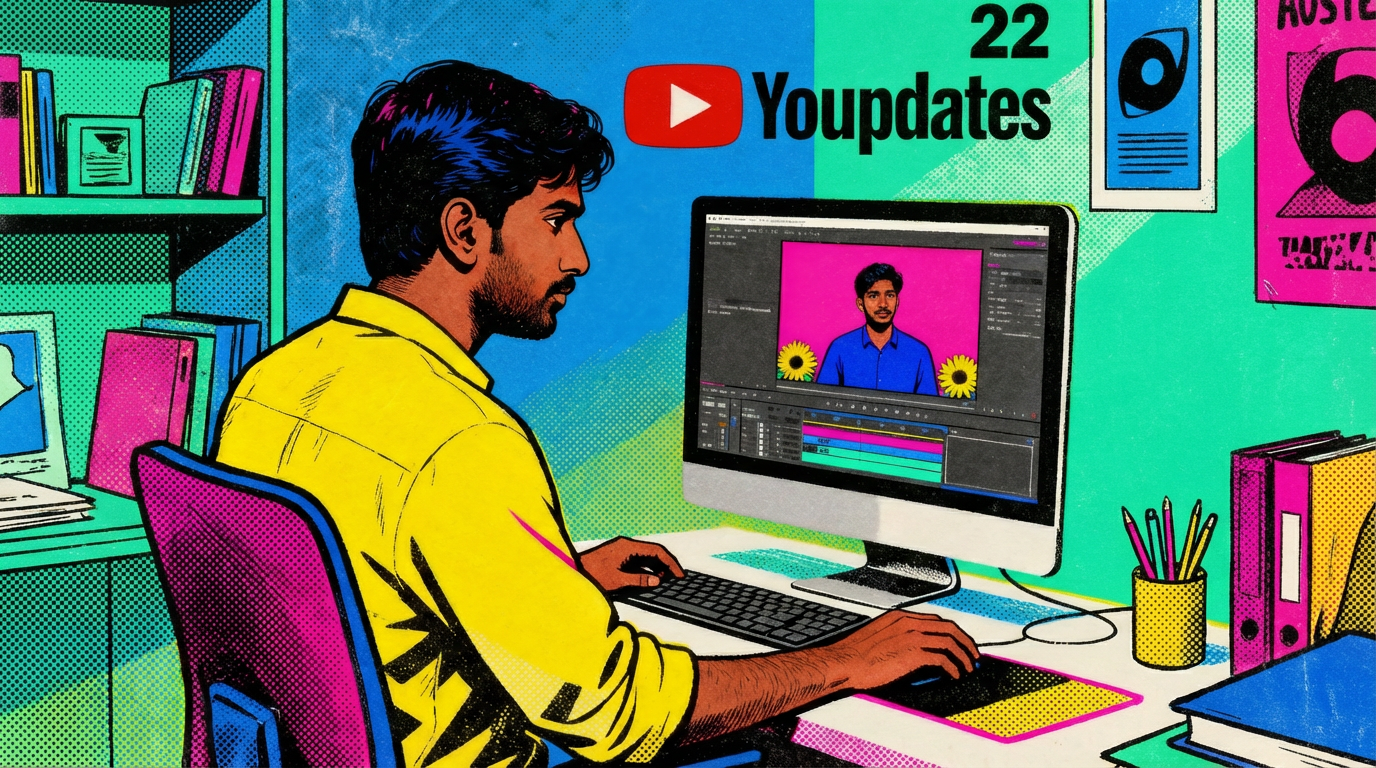
If you’re a YouTube creator, buckle up—because YouTube just rolled out one of its biggest update batches ever. At their “Made on YouTube 2025” event, they unveiled 22 updates that touch nearly every part of the platform: AI editing, Shorts, livestreaming, monetization, safety tools—you name it.
The whole vibe? YouTube is making it easier to create, grow, and actually earn money on the platform, whether you’re a one-person channel, a podcaster, a music artist, or part of a bigger production team.
And since 22 updates is a lot to keep straight, I’m breaking them all down—informally, in plain English, with some thoughts on what matters most.
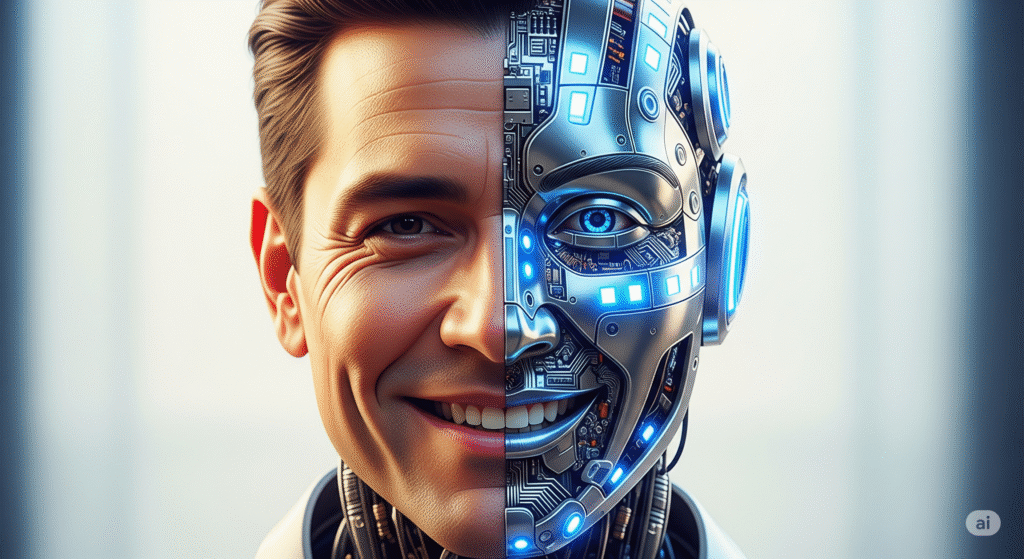
AI Is Moving Into the Creative Process
Let’s be real: AI is everywhere right now. But instead of just slapping some half-baked tools on top of YouTube, the platform is building AI directly into the creator workflow. YouTube isn’t just giving you a chatbot; they are giving you a production studio.
1. Veo for Shorts (Video Generation)
This is the headline feature. YouTube is integrating Veo, Google’s most advanced video generation model, directly into Shorts. Think of this as “text-to-video” on steroids. You can type in a prompt like:
“A cyberpunk city street at night with neon rain and flying cars.” And Veo will generate a high-quality video clip that matches your vision perfectly.
2. Standalone 6-Second Clips
Previously, AI tools were mostly for backgrounds. Now, Veo allows you to generate standalone 6-second clips. This is massive for storytellers who need “b-roll” (footage to show while talking) but don’t have the budget to fly to Tokyo or film a cinematic car chase. You can now generate the exact shot you need to fill the gap in your storytelling.
3. Dream Screen High-Quality Backgrounds
If you use Green Screen on Shorts, the backgrounds are getting a massive upgrade. The new Veo-powered backgrounds are photorealistic and cinematic. No more blurry, low-res JPEGs behind you while you talk.
4. Add Motion to Still Photos
Got a still photo that is almost perfect, but feels a bit boring for video? YouTube’s new AI can now take a still image and add motion to it. It can simulate a 3D camera pan, make water flow, or make leaves rustle. This brings static assets to life without needing complex animation software.
5. AI “Props” for Shorts
This is one of the wildest updates. You can now prompt the AI to add specific “props” into your video. Want to pretend you are holding a glowing magic potion? Or that there is a cat sitting on your shoulder? You can add these elements purely through AI prompts, offering a level of special effects that used to require Adobe After Effects skills.
6. AI Editing: The “Rough Cut” Solver
This one might save creators the most time. When you upload your raw footage, YouTube’s AI can now draft a “first cut.”
- It trims the silence.
- It adds transitions.
- The AI syncs cuts to the music. It won’t replace a human editor for a documentary, but for a daily vlogger, it removes the tedious work of “chopping up” the footage.
7. Speech-to-Song Remixing
You say something in a video—like “I love pizza”—and YouTube can remix it into a song track. This sounds silly, but it’s a powerful tool for meme culture. If you can create a catchy sound bite, this tool turns it into a viral audio track that other creators can use.

Language Barriers Just Got Smaller
If you only publish in English, you are ignoring potentially 80% of the world’s population. YouTube knows this, and they want you to go global without hiring a translation team.
8. Expressive Auto-Dubbing
YouTube’s auto-dubbing (translating your voice into other languages) was already cool, but now it’s getting expressive. The AI preserves your tone, pitch, and emotional cadence. If you are whispering in English, the Spanish dub will whisper. If you are shouting, the dub will shout. This makes the translation feel human, not robotic.
9. Lip Sync Translation
This is the sci-fi part. The AI will eventually be able to subtly adjust the movement of your lips in the video to match the translated words. This eliminates that jarring “bad kung fu movie” look where the audio and video don’t match. This helps viewers in other countries forget they are watching a translation.
YouTube Studio Just Got Smarter
Creators live inside YouTube Studio. It’s our cockpit. YouTube is turning the Studio from a dashboard of numbers into an active coach.
10. “Ask Studio” (AI Analyst)
Basically ChatGPT inside Studio. You can ask:
- “Why did my last video underperform?”
- “What topics are trending in my niche?”
- “How can I improve watch time?” And get answers based on your actual channel data. No more guessing why a video flopped; the AI will tell you exactly where viewers dropped off.
11. Inspiration Tab: Concrete Concepts
The “Inspiration” tab is getting a total overhaul. It will now suggest fully fleshed-out video concepts, including:
- Titles that are optimized for clicks.
- Thumbnails that match current trends.
- Outlines for the script. It’s like having a creative producer brainstorming with you 24/7.
12. A/B Testing for Thumbnails and Titles
This is finally rolling out to everyone. You can upload up to 3 thumbnails and titles, and YouTube will test them to see which performs better. This is the single easiest way to increase your views without making better videos—just better packaging.

Community is the New Algorithm
YouTube is trying to make the platform feel less like a broadcast and more like a community hangout. They want you to own your audience, not just rent them.
13. “Communities” (The Discord Killer?)
YouTube is launching a dedicated space on channel pages called Communities. Unlike the old “Community Tab” where only you could post, this new space allows viewers to post content too.
- Fans can share fan art.
- Viewers can discuss episodes among themselves.
- It creates a “forum” vibe directly on your channel.
14. The “Community Hub” in Studio
Managing comments is a nightmare for big channels. The new Community Hub uses AI to summarize what your community is talking about. Instead of reading 1,000 comments, you get a summary: “Most viewers loved the new camera angle, but 20% are confused about the ending.”
15. AI-Powered Replies
The Community Hub will also suggest AI-generated replies that are tailored to your style. You can edit them, but it speeds up the process of engaging with your fans massively.
16. Hype (The Leaderboard for Small Creators)
Struggling to get noticed? Hype is a new feature specifically for creators with under 500,000 subscribers. Fans can “Hype” a video (like a Super Like). The videos with the most Hype land on a new Trending Leaderboard for rising stars. This gives small channels a fighting chance to go viral without competing against MrBeast.
17. Hype Badges and Points
To gamify this, top fans who “Hype” you the most will earn special badges. This incentivizes your core audience to promote your content for you.
Livestreaming & TV: The Big Screen Takeover
YouTube wants to dominate the living room and the vertical feed simultaneously.
18. “Jewels” (Digital Gifts)
YouTube is introducing a new digital currency called Jewels. Viewers can buy Jewels and use them to send “Gifts” to streamers during vertical livestreams. This is a direct competitor to TikTok’s gifting system and offers a new way to make quick revenue during streams.
19. Seasons and Episodes for TV
Television is YouTube’s fastest-growing screen. To make creators look more like Netflix shows, you can now organize your content into Seasons and Episodes. This is huge for narrative creators, podcasters, or educational series. It encourages “binge-watching” on the big screen.
20. Cinematic Channel Pages on TV
When a viewer opens your channel on their TV, it will no longer look like a generic list of videos. It will play a cinematic highlight reel (that you choose) automatically. It turns your channel page into a movie trailer for your brand.

Monetization & Protection
Finally, the updates that protect your work and help you get paid.
21. Shopping Affiliate Expansion & Chrome Extension
YouTube Shopping is expanding to Indonesia, Thailand, and Vietnam. But for US creators, the big news is the Shopping Chrome Extension. You can browse any store on the web, find a product, and save it to your “Tagging” list instantly. This makes it incredibly fast to tag products in your videos and earn affiliate commissions.
22. Deepfake Protection (Likeness Detection)
As AI gets better, “Deepfakes” are a problem. YouTube is rolling out Likeness Detection tools. These scan the platform to see if your face or voice is being used in other people’s videos without your permission. If it finds a match, you can request a takedown. This is a crucial safety net for creators in the age of AI.
The Big Picture: What This Means for You
If we step back and look at these 22 updates, the message is clear: YouTube wants to be the only app you need.
They are adding features from TikTok (Shorts tools, Jewels), Discord (Communities), Netflix (Seasons, TV app), and Patreon (Hype, Member exclusives).
For creators, this is an opportunity to consolidate. You don’t need to try and build a community on a separate forum anymore; it can be done right on your channel. You don’t need to hire an editor for simple clips; Veo can help you.
My Take
On one hand, this is exciting. The barrier to entry has never been lower. You can start your own channel today and look professional instantly using these AI tools.
On the other hand, it means the platform will be more competitive than ever. If everyone can generate polished videos with AI, then quality alone won’t cut it anymore. Creators will have to double down on personality, storytelling, and building real community. Because AI can make a video, but it can’t make your video.
So, if you’ve been waiting to take YouTube seriously? Now’s the time. The tools are there. The audience is there. And with these 22 updates, the potential to monetize your content is higher than ever.
Related Posts
Use Short-Form Content to Explode Your Long-Form Views
Get your 1st 100 subscribers on YouTube!
Beyond the Video: Power of YouTube Communities for Creators
How to mention Channels on your videos and posts
The Full Scoop on YouTube Channel Memberships
How to Search for Small Creators on YouTube: Find Hidden Gems
How to appeal a terminated YouTube channel
YouTube Handles Will make you easier to find

No responses yet