
YouTube handles changed how creators tag each other, build presence in YouTube Shorts, and share clean channel links. Whether you are launching a new channel or refining an existing brand, setting up the right handle is one of the simplest steps toward establishing clear channel authority.
Keep in mind that handles are unique to each channel, so once a handle has been chosen, it can’t be selected by anyone else. That’s great news and every other platform has this already. Why? Because it makes channels easier to find.
YouTube lets multiple channels have the same name which makes it harder to find your channel.
Also there are a lot of fake channels trying to get you to watch their channel or buy their product using someone else’s influence. So using handles will help in both areas.
What are YouTube handles?
Quote from YouTube: “A handle is a new way for people to find you and connect with you. Unlike channel names, handles are unique to each creator, making it easier for you to establish a distinct presence on YouTube.”
So it helps your audience be able to find you easier especially if you are a smaller channel.
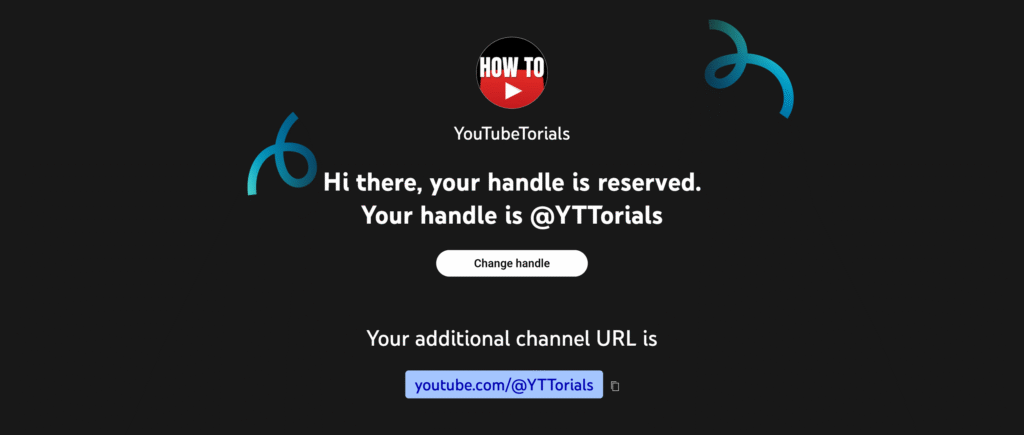
Everybody will be able to choose their own handle soon. They’ll notify you when you can choose yours if you are able to choose one at this point in time.
“We’re gradually rolling out the ability to choose a handle for all channels over the coming weeks, and you will receive another email and a notification in YouTube Studio when you’re able to choose yours.”
How do I change my YouTube handle name?
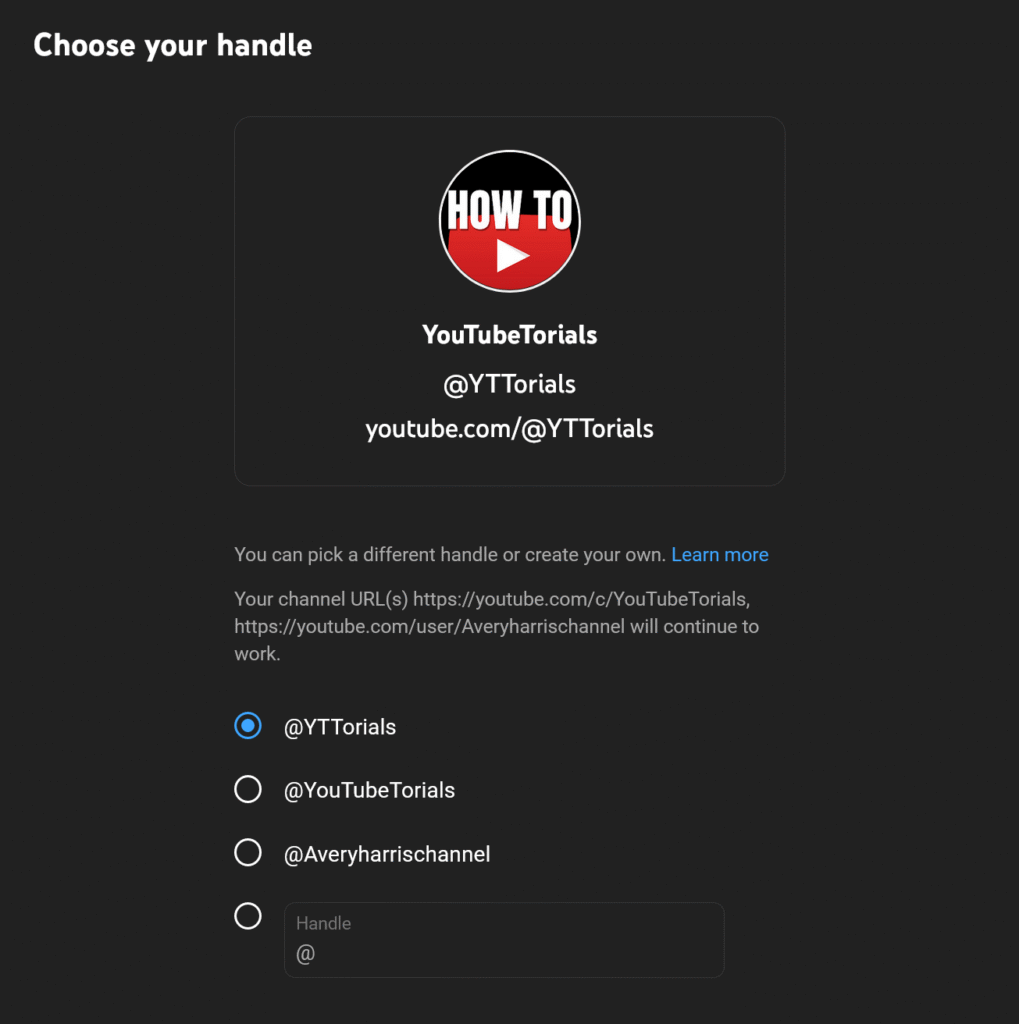
In order to change your YouTube handle, sign in to YouTube from a web browser. Next, type in youtube.com/handles.
From here you’ll have the option to use a name YouTube has selected for you or choose something different.
What happens to YouTube channel URLs?
In most cases, if you already have a personalized URL for your channel, they’ve reserved this for you as your handle. If you want a different handle, you can change it.
If you don’t already have a personalized URL, you’ll be able to choose a handle for your channel.
If you do already have a personalized URL, it will still continue to work. So you’ll have both.
Locking in your YouTube handle is just the first step in building a recognizable presence on the platform. Once your unique @handle is secured, the next logical move is ensuring your main hub looks completely polished. For a full walkthrough on setting up your channel banner, homepage layout, and trailer, check out our step-by-step guide on how to customize a YouTube channel.
If you want to take your channel’s visual identity even further, explore our Ultimate YouTube Branding Guide, which covers everything from color palettes and thumbnail consistency to long-term brand building.
Want more creator tutorials, platform updates, and channel strategy guides sent straight to your inbox? Subscribe to our weekly newsletter below to stay ahead of the curve.
Related Posts
Use Short-Form Content to Explode Your Long-Form Views
The YouTube Hype Button: A New Way to Boost Emerging Creators
Beyond the Video: Power of YouTube Communities for Creators
How to mention Channels on your videos and posts
The Full Scoop on YouTube Channel Memberships
How to Search for Small Creators on YouTube: Find Hidden Gems
How to appeal a terminated YouTube channel
How to Qualify for YouTube After a Channel Termination
YouTube Dropped 22 Big Updates. What you need to know
No responses yet