If you are looking for new stock assets to use in your projects, here is a list of a few websites that might interest you. These sites have the usual stock videos, photos and music but you’ll find a few of these websites also have even more like transitions, lower thirds, video templates, and more. Let’s get started.
6 Sites with Amazing stock assets
1. Envato Elements
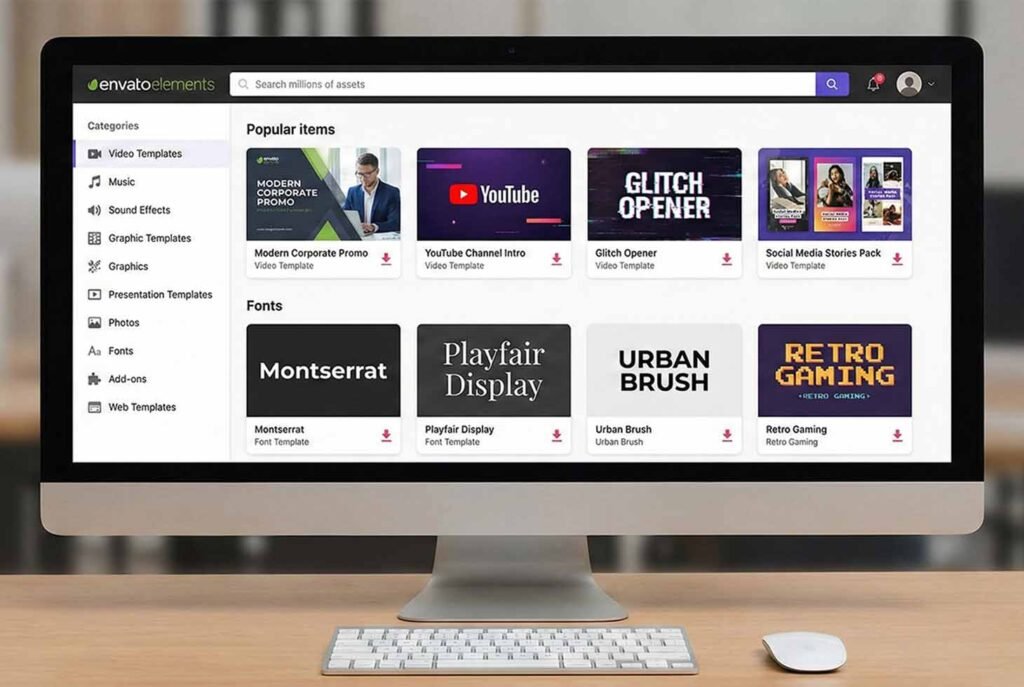
This is a huge win for people who need to keep their projects legal. Are you looking for graphics to put in your YouTube videos? You can find them here. This website has the most variety in assets that you can download. Some examples include unique fonts, graphic templates, and “subscribe” animation packs.
Furthermore, the licensing model is very simple but has one major rule you must remember. Each time you use an item in a new project, you should register it to create a new license. Because the subscription covers “unlimited” downloads, many creators find it to be the best value for their money.
The price cuts to half if you decide to buy a yearly subscription instead of monthly ($16.50 vs $30). However, if you cancel your subscription, you cannot use the assets for new projects. Everything you published while active stays protected forever. I talk more about using Envato as a YouTuber here.
2. Motion Array
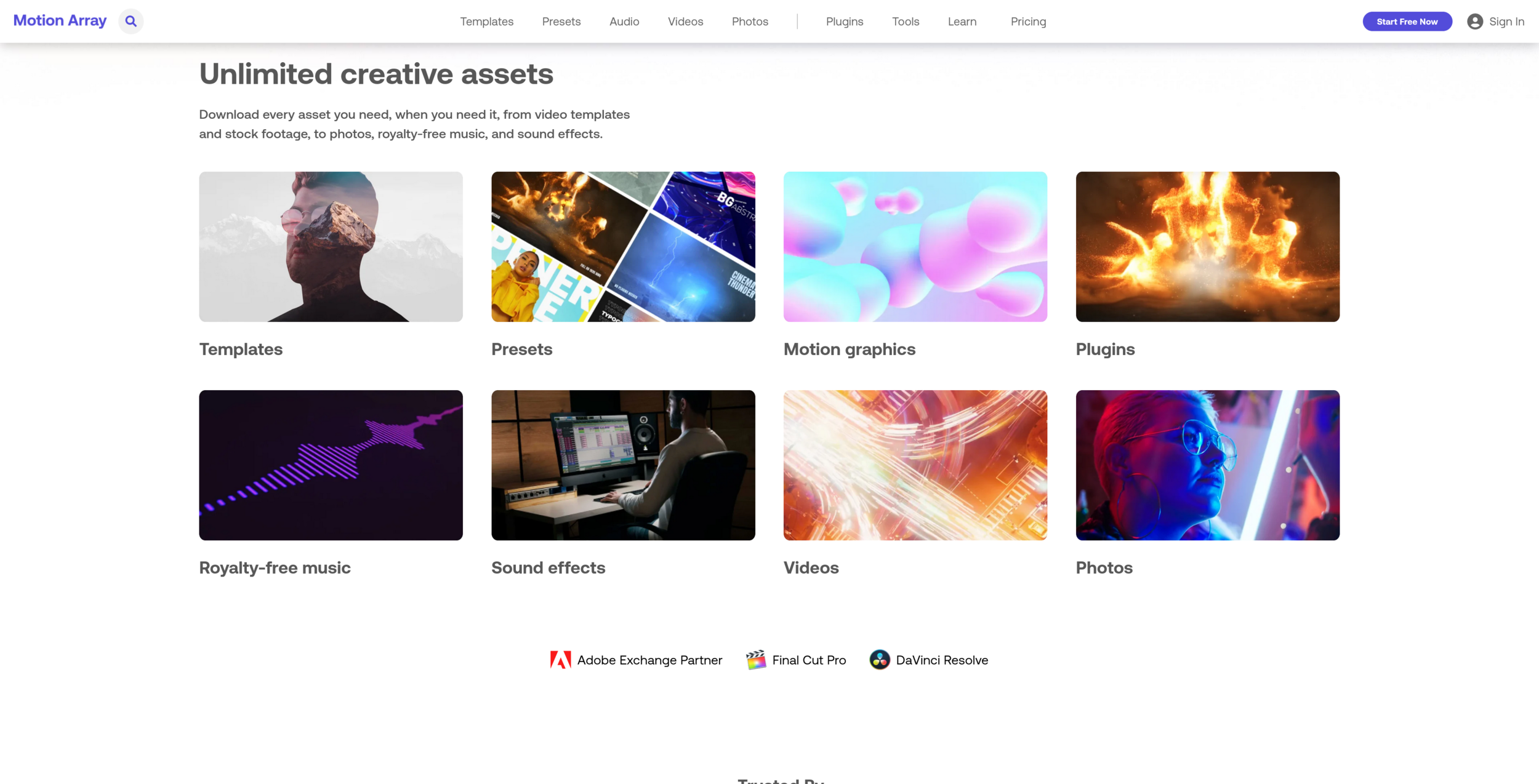
Motion Array is probably the closest to in Envato Elements on this list. They both have a large library of digital assets. They also have the same type of licensing and very similar pricing. If you have tried Envato and didn’t like their style, check out Motion Array.
While Envato is a little cheaper, Motion Array excels in specific video plugins.
Additionally, Motion Array offers a unique “Review” tool that helps freelancers work with clients. This tool allows you to upload a video and get time-stamped comments from your customers. As a result, it is a great choice for professional editors who need to manage feedback. Their Adobe Premiere Pro extensions are also world-class, allowing you to drag and drop assets directly into your timeline without leaving the app.
3. Vecteezy
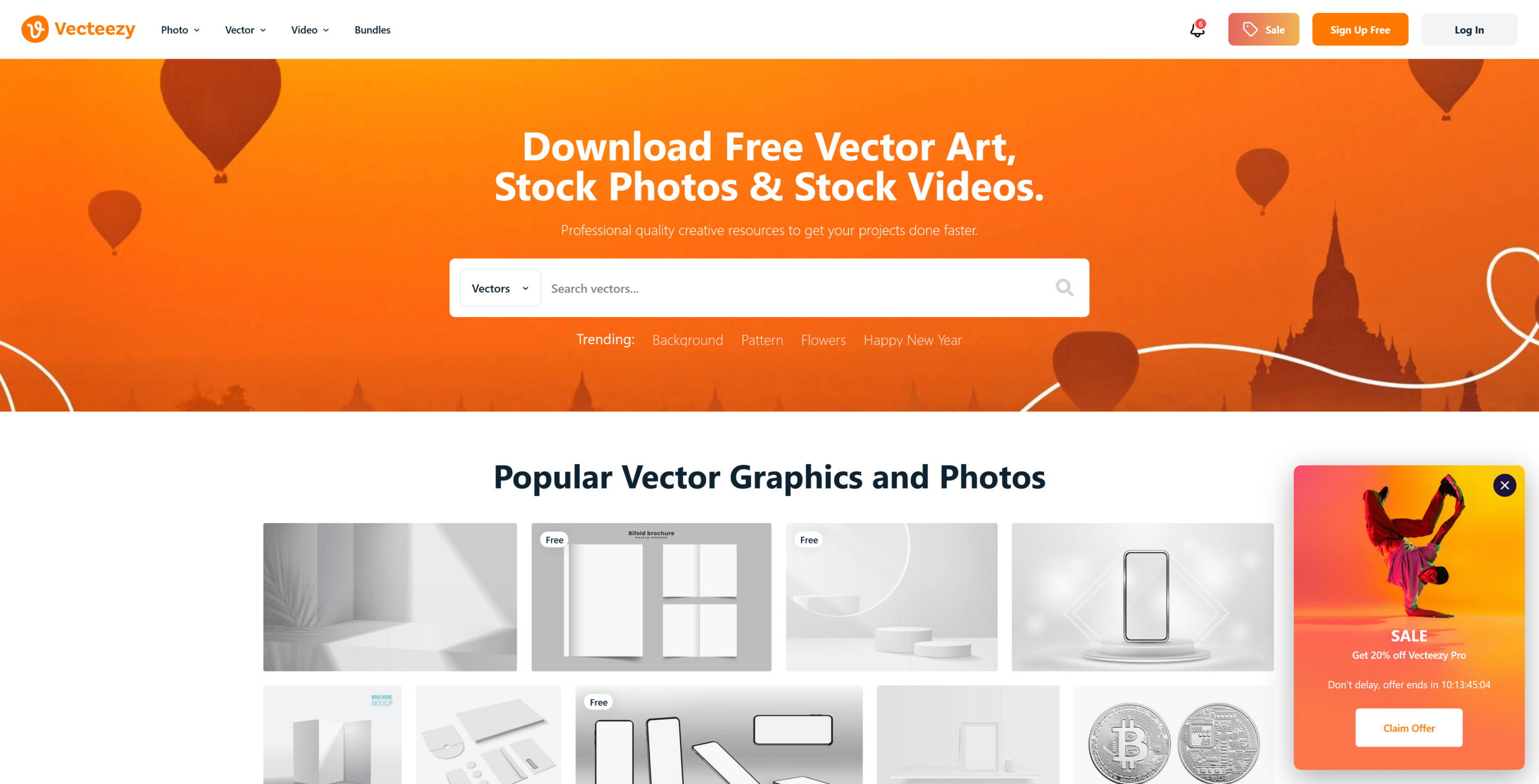
If you are a graphic designer, Vecteezy offers over a million of high-quality vector graphics for you to use in your illustrations. Vecteezy offers “worry-free licensing” that includes full personal and commercial use.
It also has a “Free Forever” model which is exactly the same as Envato Elements “Future-Proof Licensing”. Vecteezy does not have a library as expansive as Envato Elements, but if you are purely interested in graphics then it might be a better option.
While you can use Vecteezy for free, Vecteezy Pro gives a lot more features which you can see above. The pro version is priced at $14 a month (billed monthly) or $9 a month (billed annually). Consequently, it has become a go-to for many professional agencies in 2026.
4. Storyblocks
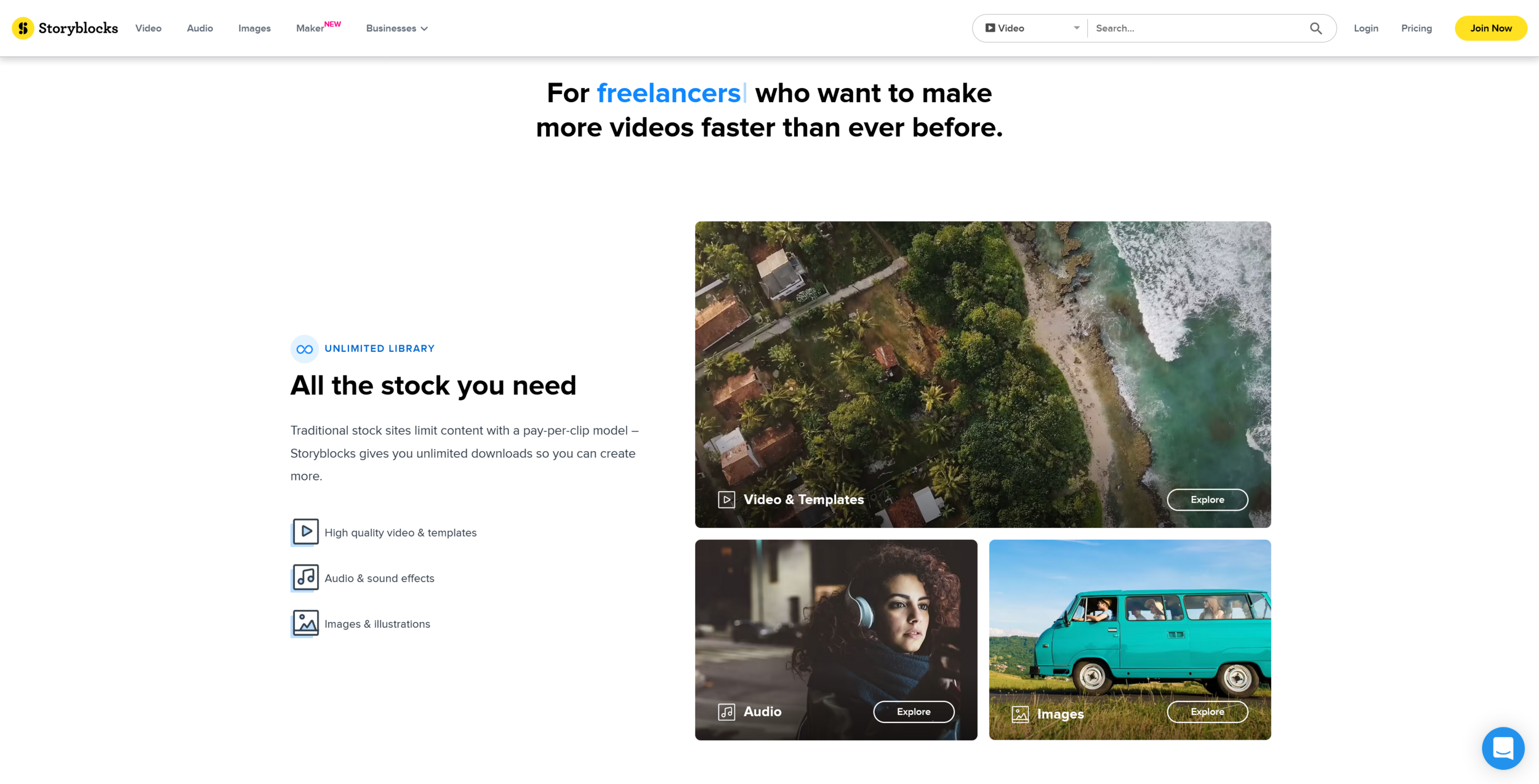
Storyblocks is a great subscription-based stock video, audio, and images platform. One thing Storyblocks has that Envato doesn’t is an online video editor. This means you can edit full, high-quality videos without needing fancy software on your computer.
Pro Tip: Storyblocks is perfect for businesses that need to make quick ads without hiring a full-time editor.
The price is a bit high: monthly is $65, while the annual rate is $30 per month. However, all assets are royalty-free. Most importantly, all the files you download are yours to keep even after you cancel your membership. This “Future-Proof Licensing” is the biggest reason people choose Storyblocks over Envato. This is a major advantage over competitors. For more tips on managing your media, check out our guide on organizing video assets.
5. MixKit
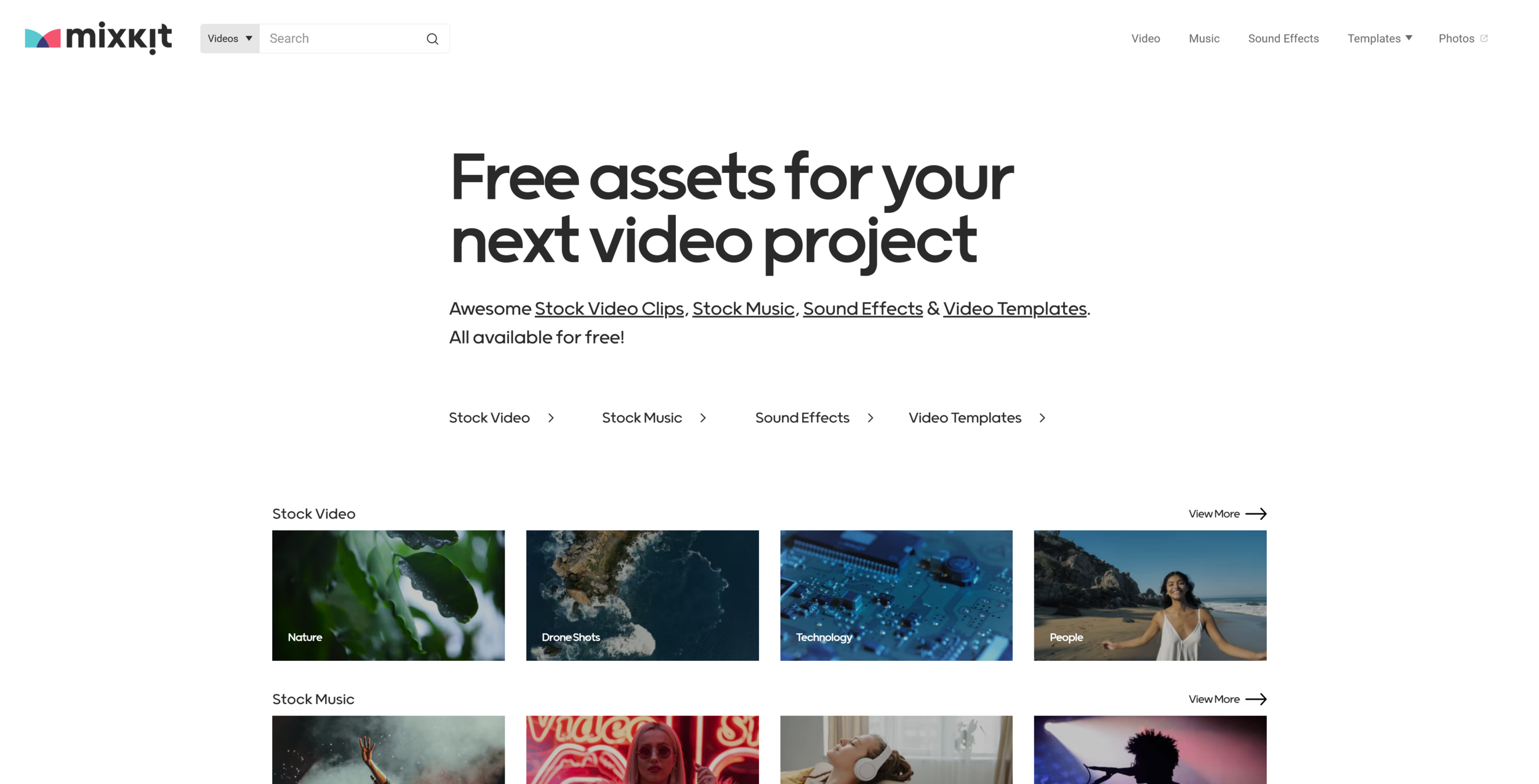
Mixkit is like a free version of Envato Elements. It has a small library of assets but as stated, all of their assets are free. You can find stock videos, photos, video templates, and music content for creators to browse and download. Another negative is that the website doesn’t have any ultra quality assets (2k,4k). In some cases, you may only find 720p assets which is a problem if you need that high quality.
Despite the quality limits, Mixkit is amazing for people on a $0 budget. They offer “Free” and “Restricted” licenses. The Free license allows for commercial use on YouTube, while the Restricted license is only for personal projects. Because of this, you must check the tag on every clip before you use it. It remains a top choice for social media creators who need quick b-roll.
6. Other Free Sites Like Pexels
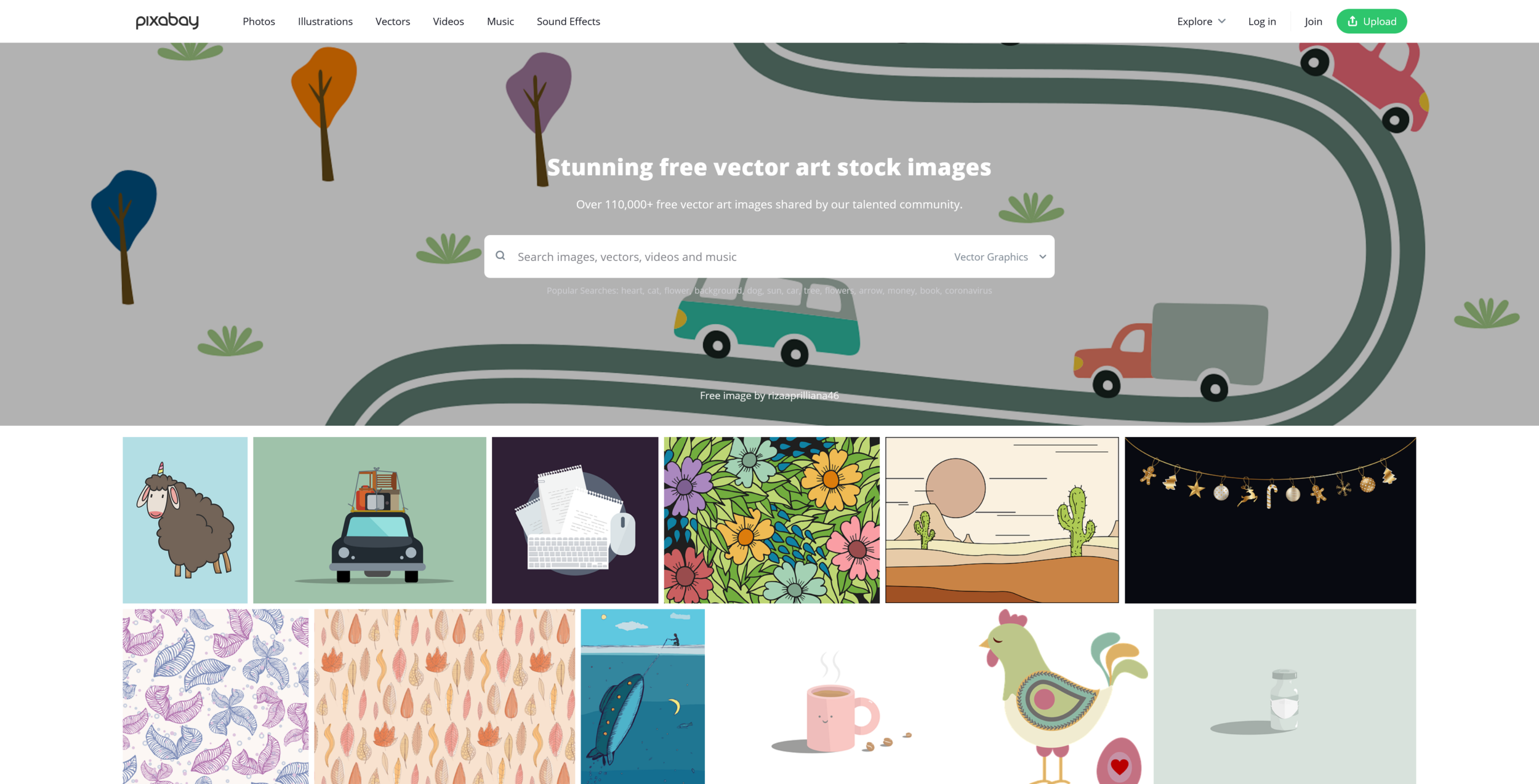
These sites offer stock assets uploaded by photographers and videographers for free. The assets are licensed under the Pexels and Pixabay license which is free for commercial use and does not require attribution. The quality is mixed, but it is a “you get what you pay for” situation.
The only thing you need to do is sign up to make an account and you’re good to go. If 6 isn’t enough, take a look at this article on 13 websites with stock videos and photos. You can also find high-quality educational resources at .org sites like Creative Commons to learn about different license types.
Asset & Pricing Comparison Table (2026)
To help you choose the right platform for your budget and needs, I have put together this comparison table. It covers the basic monthly cost (when paid annually) and the types of files you can expect to find.
| Website | Price (Annual) | Main Assets | Special Features |
| Envato Elements | $16.50/mo | Video, Music, Fonts, Graphics | Massive variety, WP Themes |
| Motion Array | $19.99/mo | Video, Templates, Audio | Premiere Pro Plugins, Review Tool |
| Vecteezy Pro | $9.00/mo | Vectors, Photos, 4K Video | Online Vector Editor |
| Storyblocks | $30.00/mo | Video, Audio, Images | Online Editor, AI Toolkit |
| Mixkit | Free | Video, Music, Templates | No sign-up required |
| Pexels/Pixabay | Free | Photos, Video, Illustrations | CC0/Public Domain style |
Conclusion
Finding the right stock assets can change the way you make videos. Whether you want the massive library of Envato Elements or the free clips on Pexels, there is an option for every budget. Always remember to check the license before you hit the “publish” button. If you want to see even more options, you should read this article on 13 websites for stock videos and photos next. To stay updated on the best tools for creators, please subscribe to the YT Torials newsletter and subscribe to the YT Torials YouTube page for weekly tutorials!

No responses yet