Your logo is the face of your brand. Whether you are starting a YouTube channel or a small business, a great logo helps you stand out.
However, many people think they need to spend hundreds of dollars on a professional designer. Actually, you can create a high-quality logo yourself using powerful online tools, even if you have zero design experience.
In this guide, we will explore the five best platforms to build your brand identity. Most of these offer free versions, making them perfect for creators on a budget.
1. DesignEvo
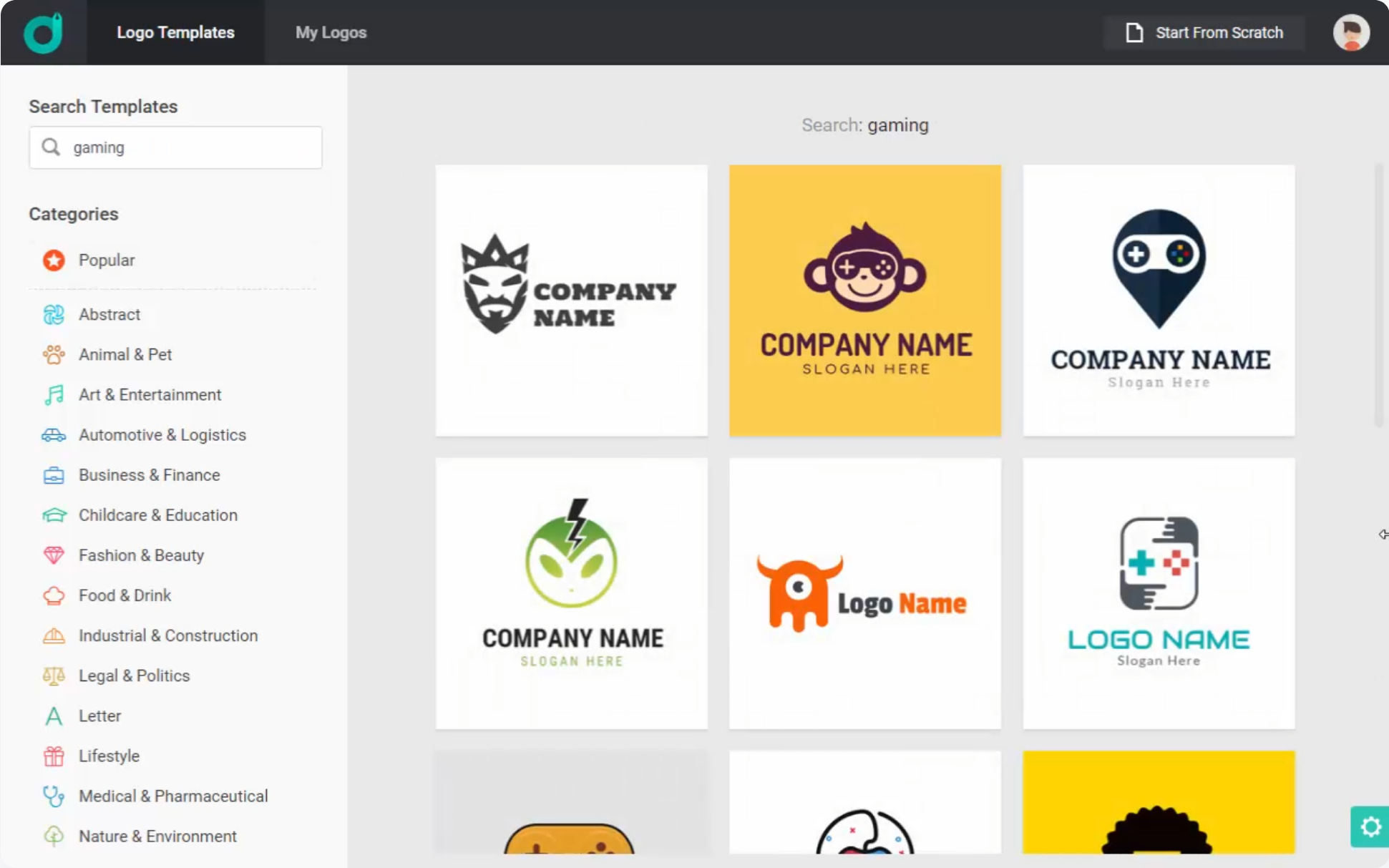
If you want a huge variety of choices, DesignEvo is a fantastic place to start. They offer over 10,000 templates that look like they were made by a pro.
Why Use DesignEvo?
DesignEvo is built specifically for logos. Unlike other tools that try to do everything, this site focuses on one thing. Consequently, the interface is very simple to navigate. You can browse categories like “Technology,” “Lifestyle,” or “Gaming” to find a base design that fits your vibe.
Pricing and Ownership
While you can create a logo for free, there are some limits. To clarify, the free version usually requires you to give credit to the site and provides a low-resolution file. If you want high-quality files and full copyright ownership, they offer two main tiers:
- Basic Plan ($24.99): High-resolution files and print-ready formats.
- Premium Plan ($49.99): Includes vector files (SVG) and font files.
Because they offer so many icons and shapes, you can truly customize your design. For more tips on branding your digital presence, check out our guide on how to brand your YouTube channel.
2. Canva
Canva is arguably the most popular graphic design tool in the world right now. It is famous for being incredibly user-friendly. You can use it on your computer or download the app on Android and iOS.
Features for Logo Makers
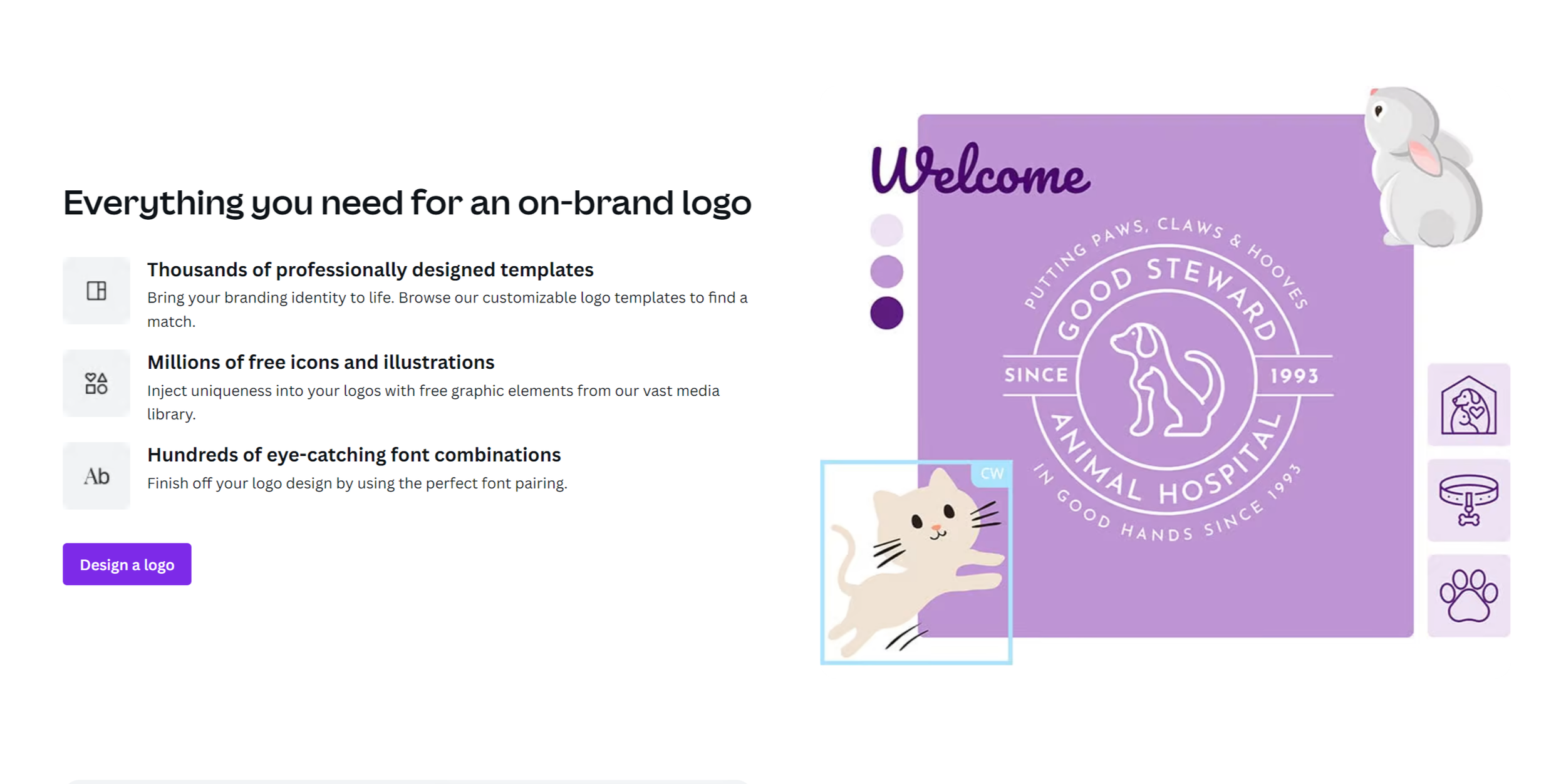
Canva provides thousands of logo templates. However, it also offers a “blank canvas” if you want to build from scratch. You have access to:
- Stock Photos and Graphics: Thousands of free icons and illustrations.
- Unique Fonts: A massive library of typography to match your brand’s voice.
- Easy Drag-and-Drop: You don’t need to know how to use complex software like Photoshop.
Beyond the Logo
One reason creators love Canva is its versatility. For example, once you finish your logo, you can immediately use it to create custom YouTube thumbnails or social media posts. While there is a “Pro” version with extra features, the free version is more than enough for most beginners.

3. Adobe Express
Adobe is a name known by every professional artist. Thankfully, Adobe Express brings that power to everyone for free. It is designed to compete with Canva by offering high-end templates and “quick actions” that make editing easy.
Creativity at Your Fingertips
If you feel stuck, Adobe Express has a massive library of professionally designed logos to spark your creativity. Since it is an Adobe product, the design assets—like icons and textures—often feel a bit more “premium” than other free tools.
Mobile and Desktop Sync
You can start a design on your phone while on the bus and finish it on your computer at home. Furthermore, Adobe Express offers a free forever plan. If you want more, their premium plan is about $9.99 a month. This gives you access to the entire Adobe Stock photo collection, which is a huge bonus.

4. Looka
Looka works differently than the other tools on this list. Instead of picking a template and changing it, you use an Artificial Intelligence (AI) generator.
How It Works
When you start, Looka asks you about your industry and the styles you like. Afterward, it generates dozens of unique logo options based on your answers. This is perfect if you don’t feel “creative” because the AI does the heavy lifting for you.
The Brand Kit
Looka’s best feature is the “Brand Kit.” Once you have a logo, the site can automatically create business cards, letterheads, and social media banners using your new colors and fonts.
Although you have to pay for a subscription to download these assets, it is much cheaper than hiring a full-service agency. According to the Small Business Administration, consistent branding is key to building trust with your audience.
5. Placeit
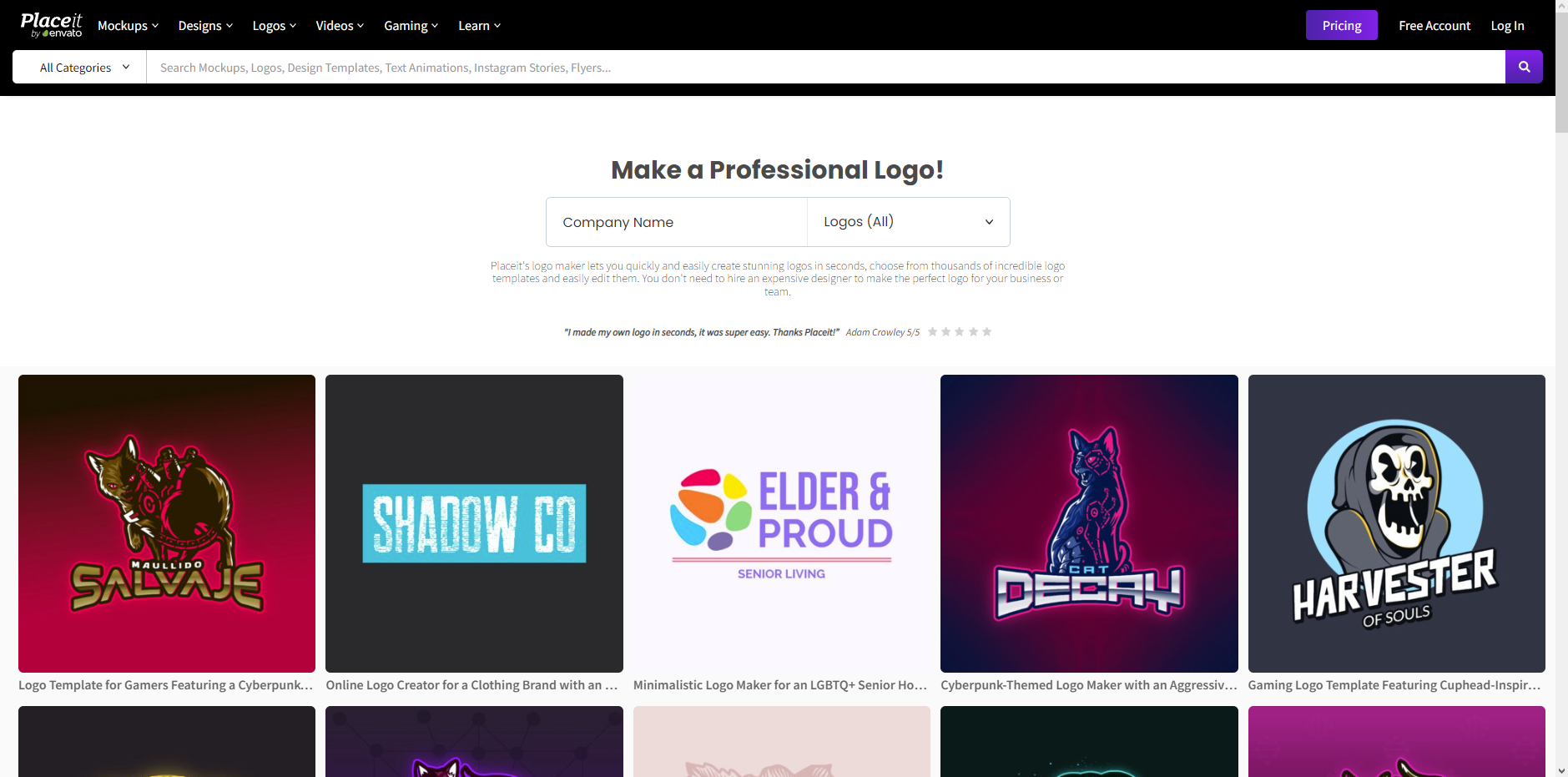
Placeit is owned by Envato, one of the largest digital asset companies in the world. It is a favorite among gamers and Twitch streamers because its templates are bold, colorful, and action-oriented.
Massive Template Library
With over 600 logo templates, Placeit specializes in “mascot” logos. If you want a cool animal or character for your brand, this is the place to go. In addition to logos, Placeit allows you to see what your logo looks like on a t-shirt or a hat using their “Mockup” tool.
Pricing Options
Placeit is very flexible with how you pay. You can:
- Buy a single logo for a one-time fee (around $2.99).
- Pay for a monthly subscription ($14.95) for unlimited downloads.
- Save 50% by paying for a full year upfront.
According to U.S. Copyright Office guidelines, it is important to ensure you have the rights to use the graphics in your logo for commercial purposes. Using a reputable site like Placeit helps ensure your designs are safe to use.
How to Choose the Right Tool
Choosing between these five tools depends on your specific needs. If you want total control and a mobile app, Canva or Adobe Express are your best bets. If you want the computer to do the work for you, try Looka. For those specifically in the gaming world, Placeit is the clear winner.
No matter which tool you choose, remember that your logo should be simple. It needs to look good on a small phone screen and a large computer monitor. Avoid using too many colors, and make sure your text is easy to read.
Conclusion
Building a brand doesn’t have to be expensive. By using these five tools, you can create a professional look that tells your audience you mean business. Take your time to experiment with different colors and layouts until you find the perfect fit. If you want more tips on growing your online presence and mastering the world of digital content, we are here to help. Subscribe to the YT Torials newsletter for weekly tips delivered to your inbox, and don’t forget to subscribe to the YT Torials YouTube page for deep-dive video tutorials!
Follow YT Torials:

No responses yet